







How to Create Spec Sheets with AI
Document every dish with a professional spec sheet: ingredients, gram weights, step-by-step technique, allergens, food cost, plating photo, and floor storytelling. The culinary AI agent suite generates a complete spec sheet in minutes.
Professional spec sheets in minutes, not hours
10,000 credits/month · Member plan €10/month
How Spec Sheets with AI Work
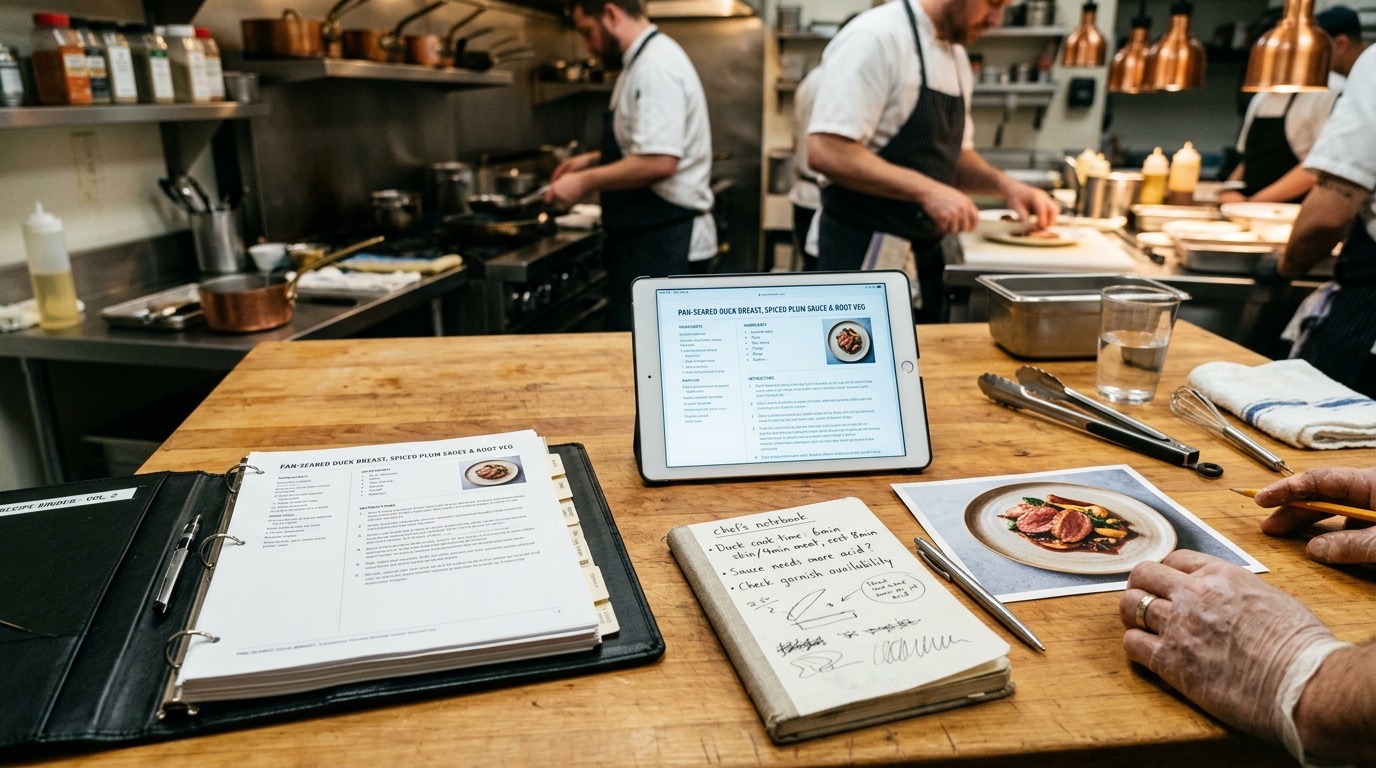
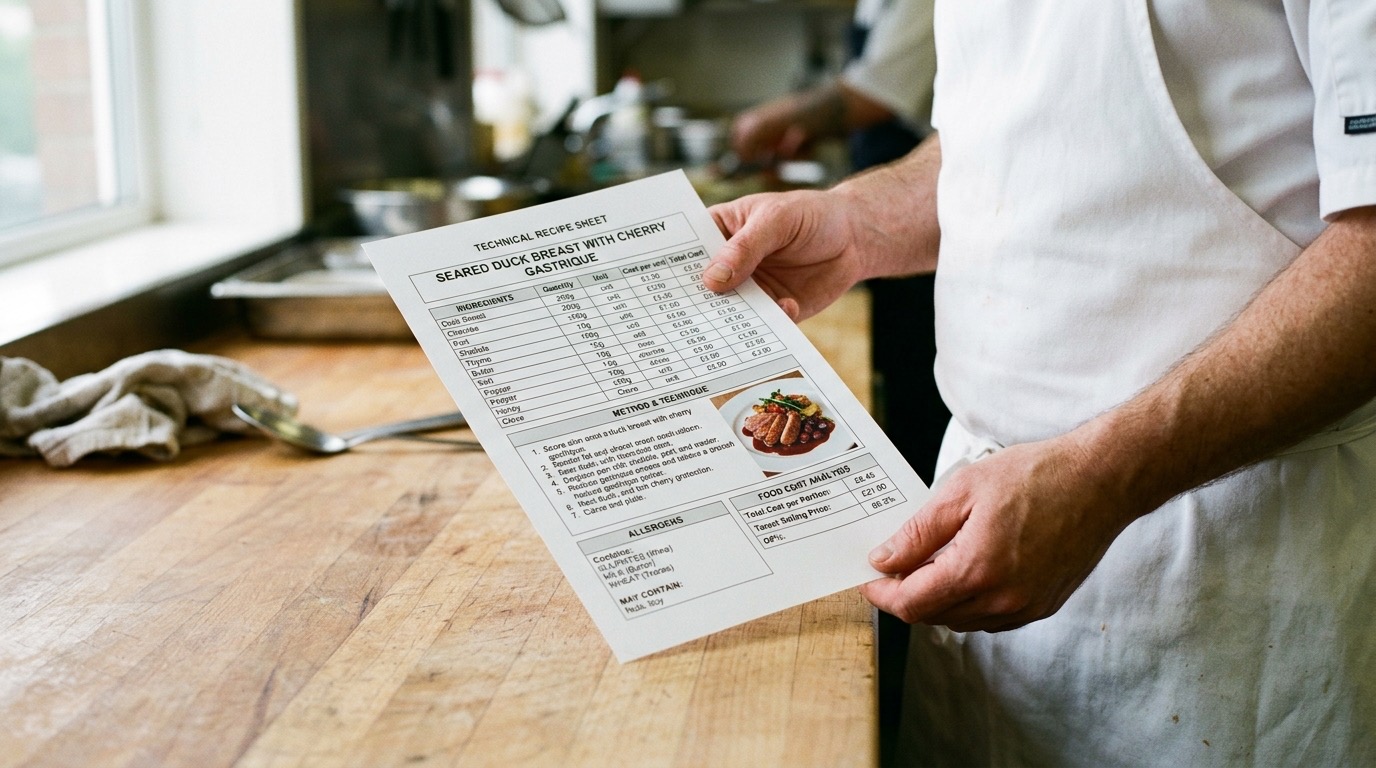
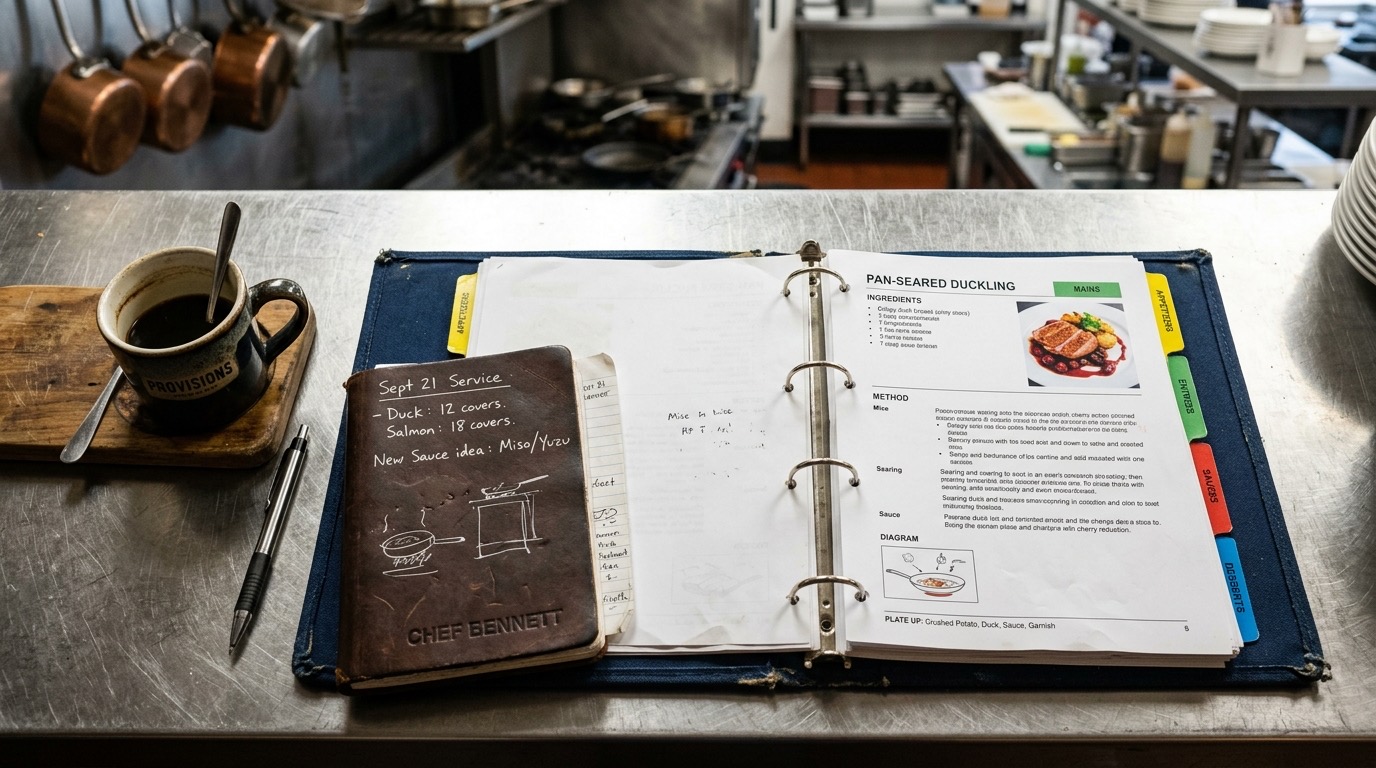
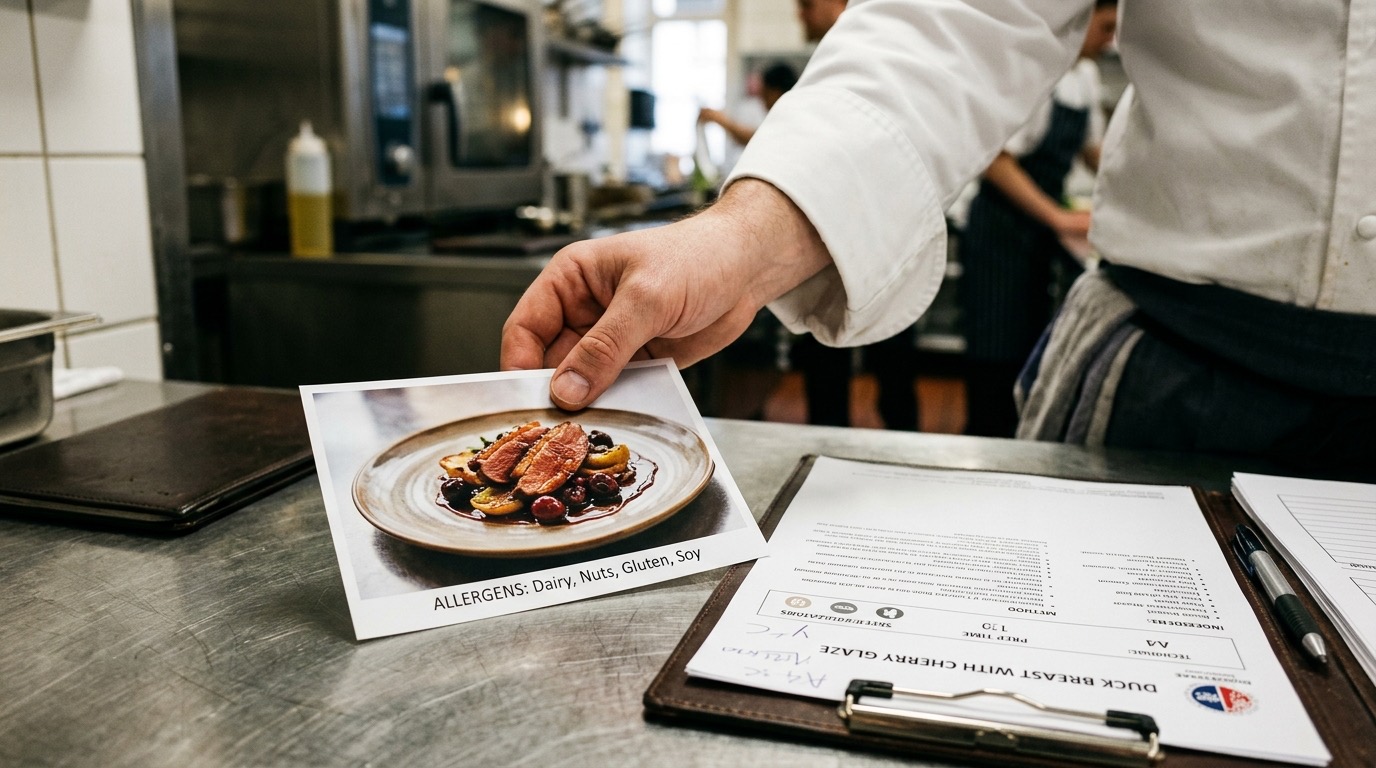
What you'll coordinate with AI Chef Pro: spec sheet, binder, plating photo, tablet, and team. Images generated with AI as a visual reference for the concept.
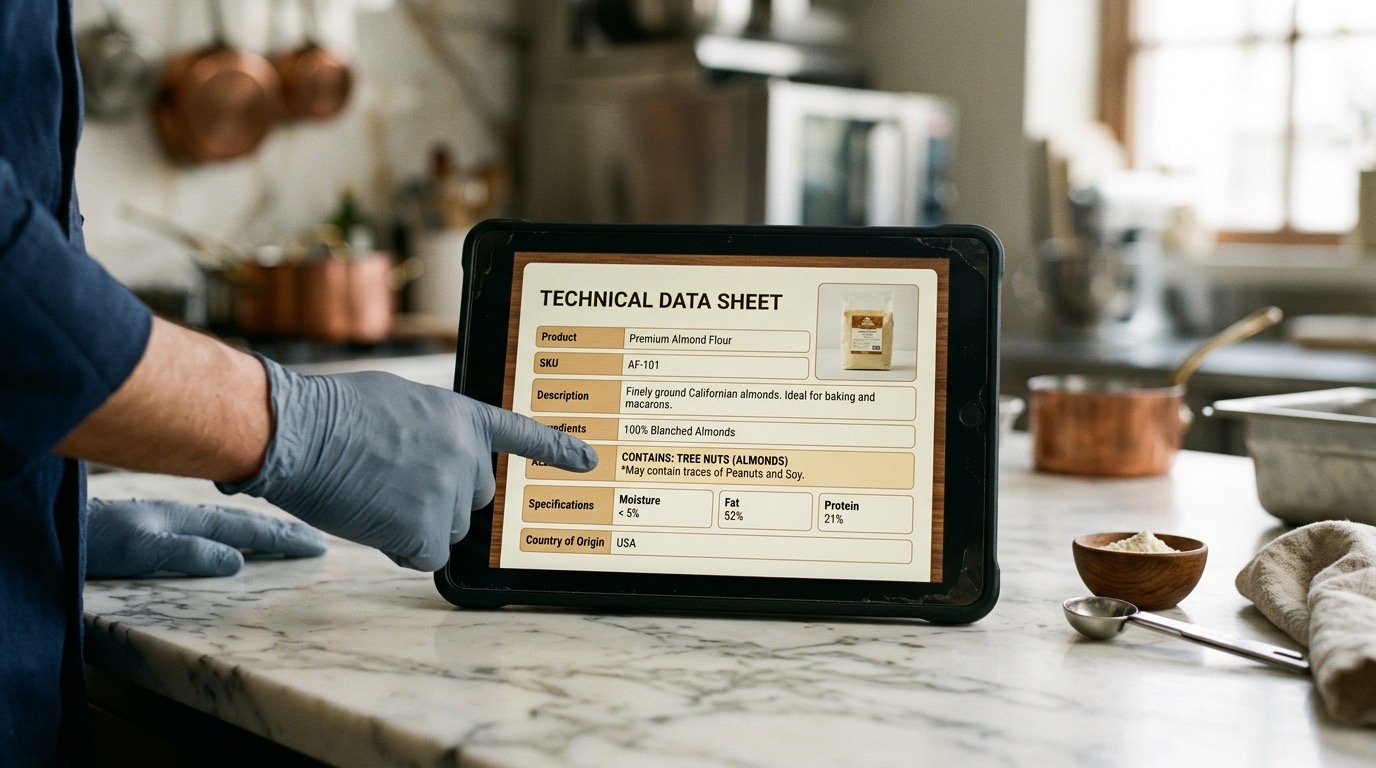
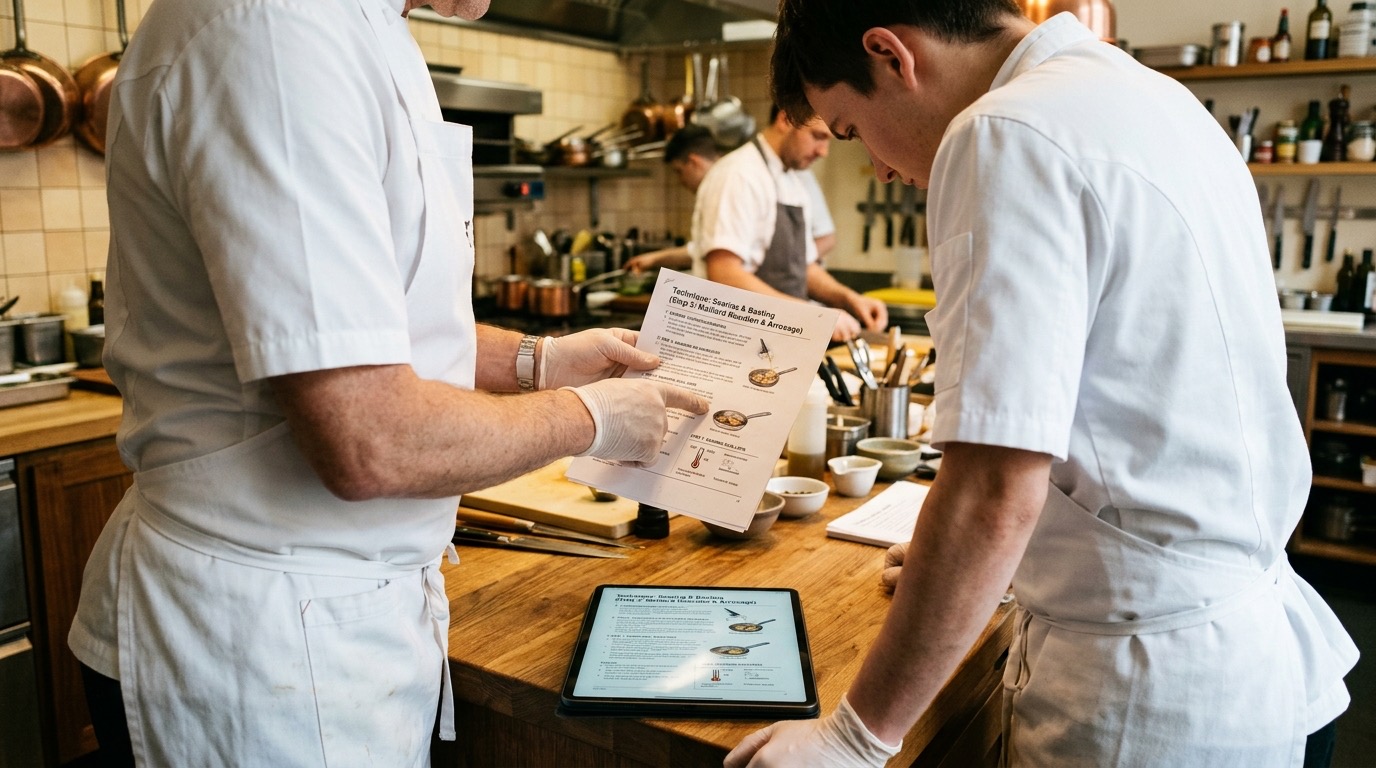
About these images: they are visual references, not the final hero photos
When an AI agent generates an image, it serves to illustrate the idea of the dish, drink, dessert or sub-prep: it helps you sense check volume, texture, plating, tableware and the visual math of the concept. The definitive photo of the recipe cost card or tech sheet is the one you take of your real dish, plated in your own kitchen.
Every recipe and creative-content AI agent offers an option at the end of the workflow to generate an image with Nano Banana 2 (the dedicated AI agent for images starts from scratch with its own steps). You can generate the first one and then as many variants as you need, including sub-preps — not just the final plate.
After generating a recipe, cost card or any content, you can download the output as CSV, PDF or Word and add your real photo when you cook the dish in service.
Personalized to Your Kitchen from Minute One
AI Chef Pro starts with the "Who Am I?" agent — you tell it cuisine type, specialty, and volume. The spec-sheet structure adapts to your concept: casual restaurant, fine dining, pastry, ice cream shop, etc.
What It Costs to Create Spec Sheets by Hand
Documenting 30 dishes with a professional spec sheet can take 2 weeks
No standardization — every cook replicates their own version and consistency is lost
Allergens calculated by hand per recipe — legal and food-safety risk
No floor storytelling — the team describes the dish improvising
When you change an ingredient, the spec sheet has to be updated and allergens recalculated
No professional template with all critical fields (technique, gram weight, shrinkage, cost)
How AI Chef Pro Solves Spec Sheets
Avant-garde Cuisine with full spec sheet
Every recipe delivers a professional spec sheet: ingredients, gram weights, technique, allergens, shrinkage, cost, storytelling, plating.
Allergen ID
Automatic allergen identification per recipe: dairy, gluten, nuts, soy, shellfish, sulfites, etc.
Integrated cost
The spec sheet includes food cost % and per-portion cost calculated automatically with production-kitchen labor cost.
Reference image of the plated dish to include in the spec sheet as a visual guide.
Floor storytelling
Every spec sheet includes a professional description so the floor team recites it with technique.
Standardized template
Uniform format for every spec sheet: technique, storage, allergens, presentation, cost.
Ingredient Converter + Calcula Pax
Weight and measure converter; automatic scaling for banquets and events.
eBook with 300+ professional prompts for spec sheets, allergens, and floor descriptions.
Pairing in the spec sheet
Food Pairing AI suggests the recommended pairing to include in the spec sheet.
The AI Agents You'll Use for Spec Sheets
Real AI agents from the AI Chef Pro catalog, grouped by their official platform category.
Avant-garde Cuisine
Recipes + complete spec sheet with all fields.
Creative Pastry
Sweet spec sheets with production-kitchen labor cost.
Creative Ice Cream Making
Spec sheets with technical balance of sugars, solids, and fats.
Allergen ID
Automatic allergen identification per recipe.
Ingredient Converter
Automatic weight and measure converter.
Calcula Pax
Recipe scaling for banquets and events.
Waste GenCal
Per-process shrinkage data integrated into the spec sheet.
Food Pairing AI
Suggested pairing to include in the spec sheet.
GastroIMG Gen+
Reference image of the plated dish.
Gastro Lexicum
Tutor of technical definitions to validate terminology.
Gastro Pro Prompts eBook
300+ prompts for spec sheets and descriptions.
Sosa Ingredients Agent
Sosa catalog to validate technique and ingredients.
How to Create Spec Sheets in 4 Steps
1. Avant-garde Cuisine (or your creative agent) — develop or load the recipe. The AI agent delivers the recipe + complete spec sheet with all professional fields.
2. Allergen ID — automatically identifies allergens per recipe and integrates them into the spec sheet; when you change an ingredient, it recalculates instantly.
3. GastroIMG Gen+ — generates the plated reference image to include in the spec sheet as a visual guide for the cook.
4. Food Pairing AI + floor storytelling — the spec sheet includes the recommended pairing and a professional description for the team briefing.
Before & After
Without AI Chef Pro
- 2 weeks to document 28 dishes
- Allergens calculated by hand (legal risk)
- Improvised storytelling on the floor
- Ingredient changes without updating spec sheets
- No standardized professional template
With AI Chef Pro
- 28 dishes documented in a day with a professional template
- Automatic allergens with Allergen ID
- Professional storytelling for floor briefing
- Changes update spec sheet and allergens instantly
- Uniform template ready for audit and certifications
Recommended Templates and Kits for Spec Sheets
Templates, kits and guides built for this use case. Ready to download and use.
Food Cost Kit Pro
Excel templates that cost out recipes in minutes with real food cost.
HACCP Food Safety Kit Pro
HACCP and traceability templates ready for inspection.
Gastro Pro Prompts eBook
300 professional prompts for chefs and owners.
Restaurant Inventory Kit Pro
Inventory, purchasing, waste tracking, and supplier management.
Restaurant Checklists Kit Pro
Opening, closing and cleaning checklists, kitchen stations, manager, side work and a cash drawer count: 491 tasks already written.
Guide: Fine-Dining Restaurant
65 seats, Michelin-track, 20+ deliverables.
"Documenting 28 dishes with professional spec sheets used to take 2 weeks. Avant-garde Cuisine delivers every spec sheet complete in minutes: ingredients, technique, automatic allergens, cost, and floor storytelling. Now any cook replicates with consistency, and when inspectors arrive we have everything traced."
Carla Mendoza
Head chef, casual restaurant with 3 locations
Frequently Asked Questions about Spec Sheets with AI
What does a professional spec sheet include?
Ingredients with exact gram weights, step-by-step technique, automatic allergens, food cost %, per-portion cost, storage, presentation, suggested pairing, and floor description.
How does it manage allergens automatically?
Allergen ID identifies allergens per ingredient and integrates them into the spec sheet. When you change an ingredient, it recalculates instantly and updates floor information.
Does it work for any kind of cuisine?
Yes. The flow is the same for creative cuisine, pastry, ice cream, chocolate, pizzeria — any national cuisine or concept.
Does it generate a dish image to include in the spec sheet?
Yes. GastroIMG Gen+ generates a reference image. Remember: the AI image is a visual reference — the final spec-sheet photo is the one you take with your real plated dish.
How does it help with audits and certifications?
Every spec sheet is traceable: ingredients, gram weight, allergens, cost, and technique. Ready for audit, ISO 22000, BRC, and food-safety certifications.
Your professional spec sheets in minutes.
Start with the 2-minute onboarding. Member plan for €10 per month with 10,000 credits.