







How to Build Recipe Costing with AI
Calculate true plate cost, food cost % and suggested menu price in minutes instead of days: recipe + automated CSV recipe cost card with kitchen labor cost, built-in yield loss data and live margin validation, powered by a suite of culinary AI agents.
Professional recipe cost cards in minutes, not hours
10,000 credits/month · Member plan €10/month
How the AI Recipe Costing Workflow Looks
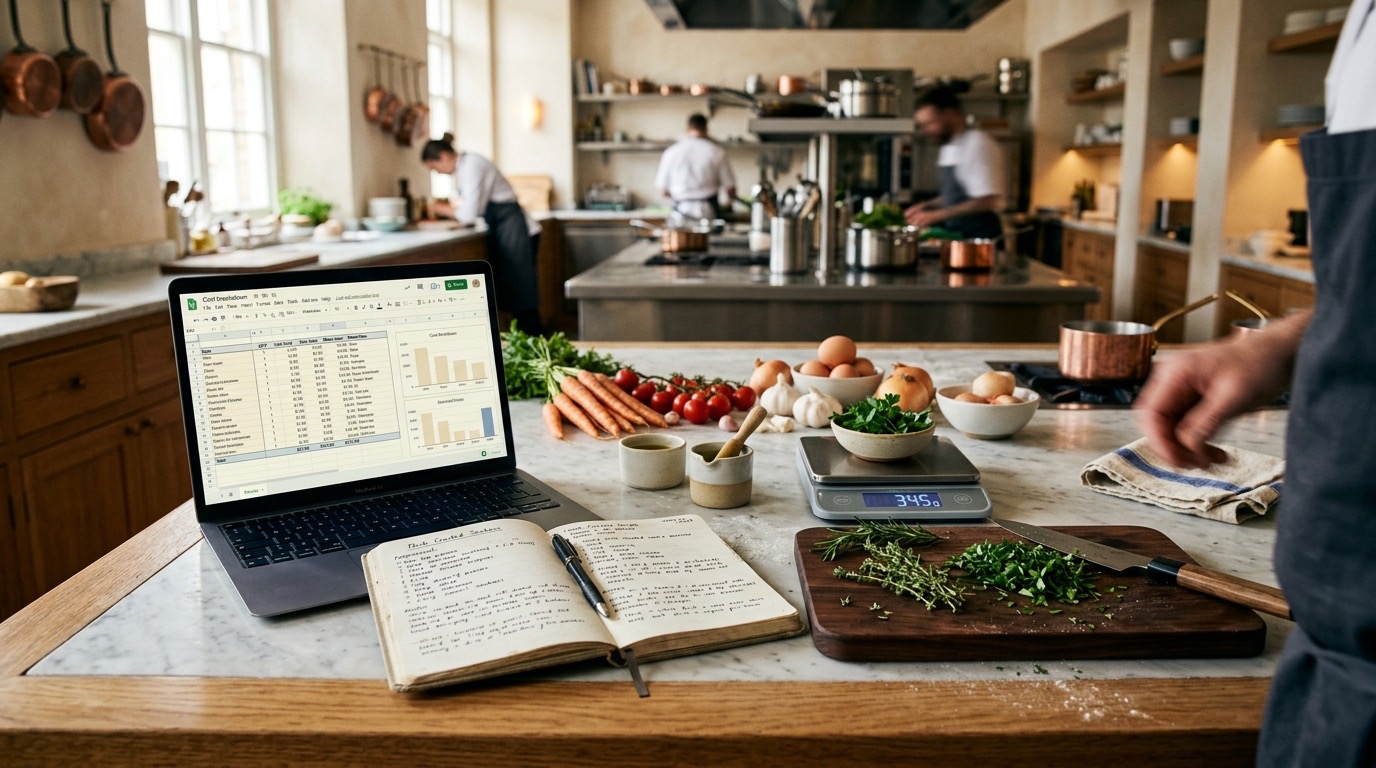
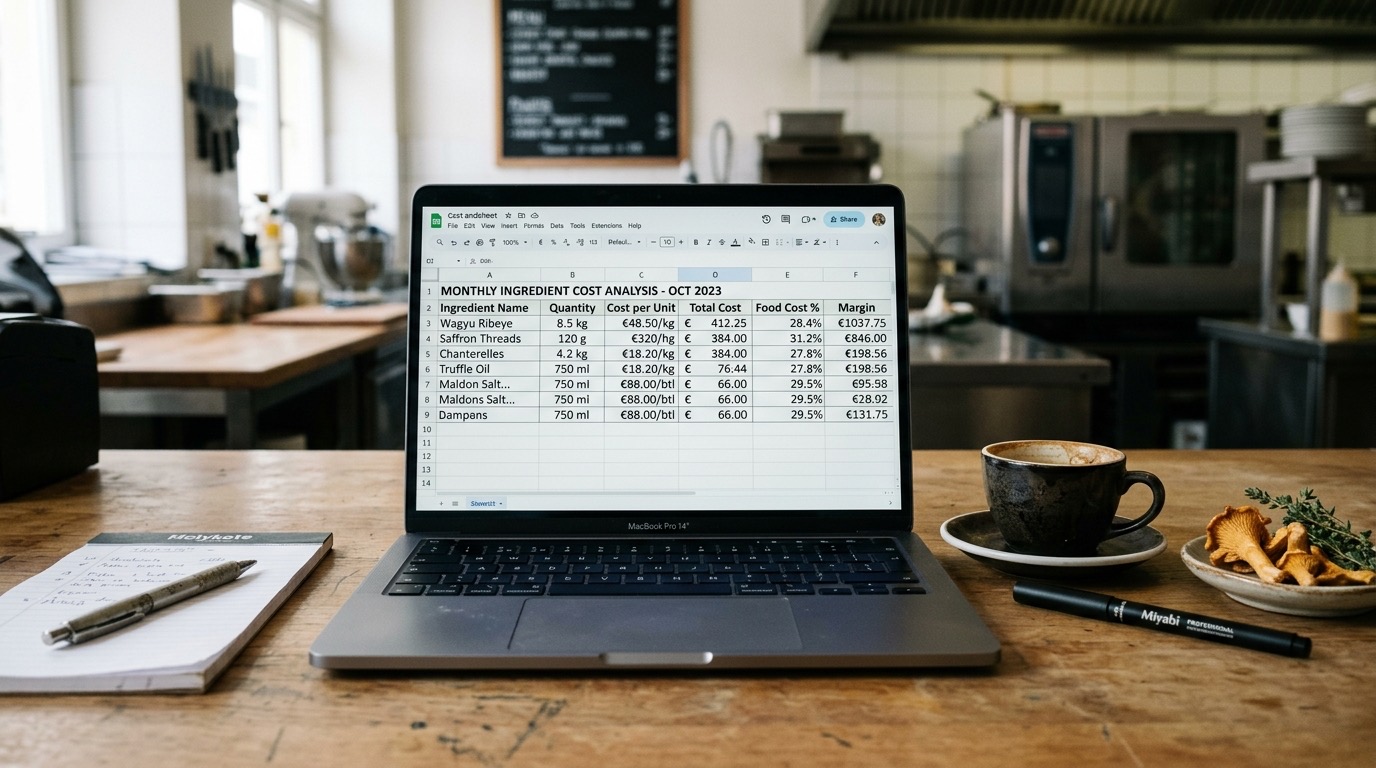
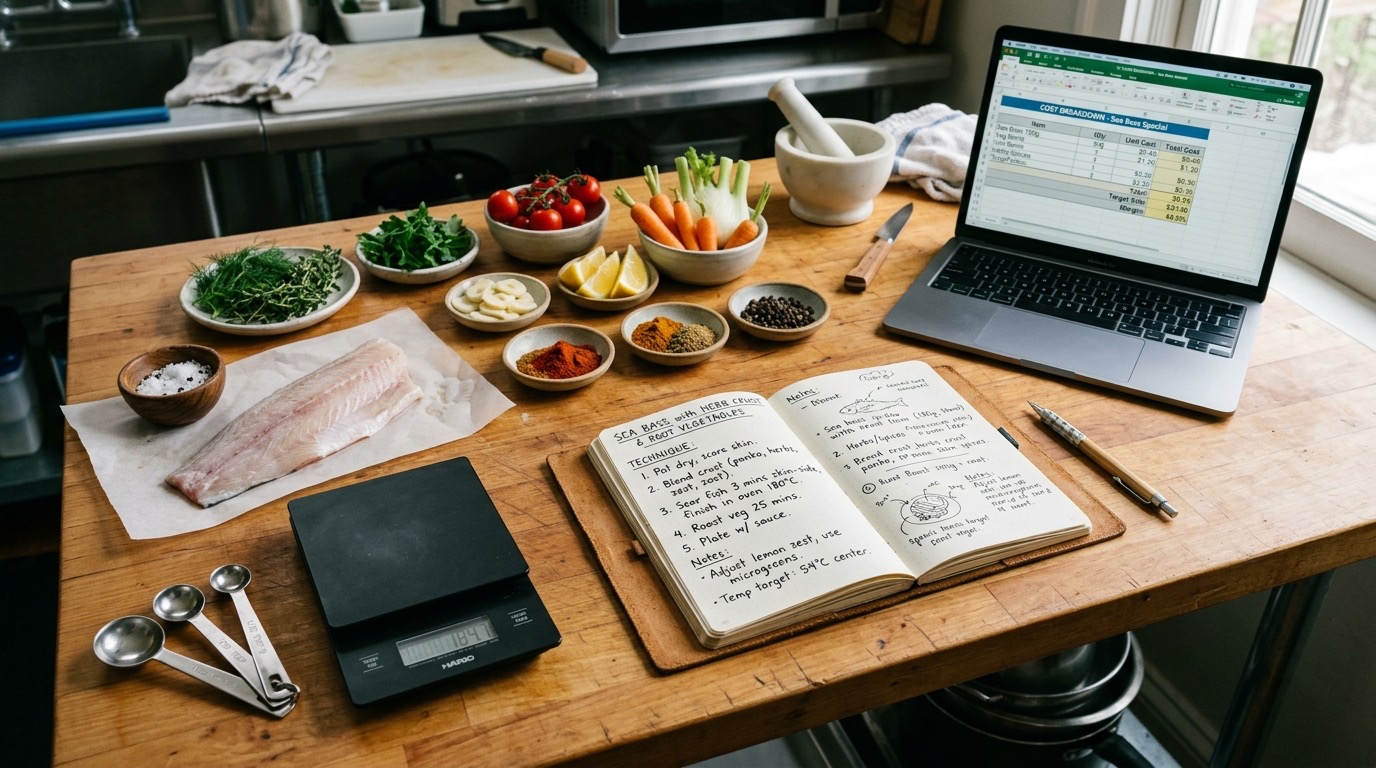
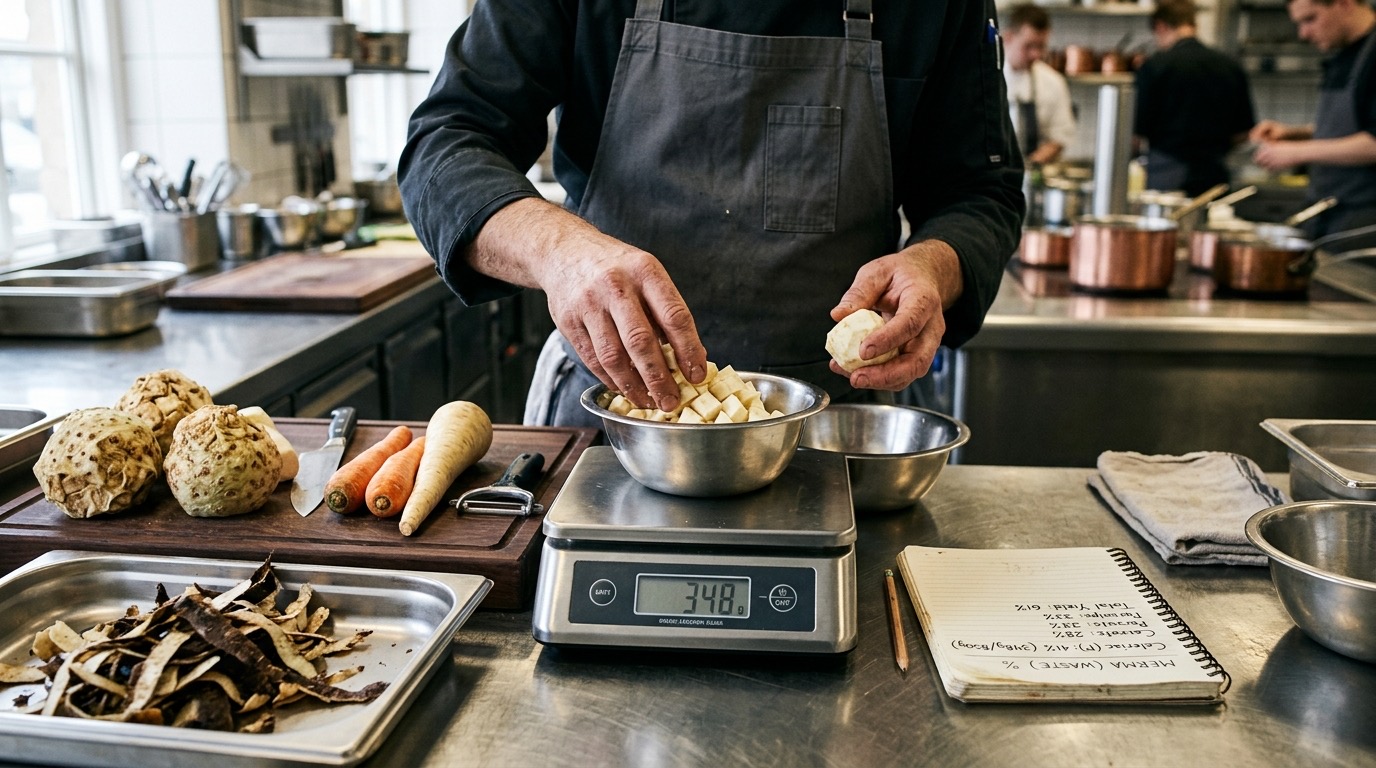
What you will coordinate with AI Chef Pro: recipe, CSV, yield data, digital recipe book and team. Images generated with AI as visual reference of the concept.
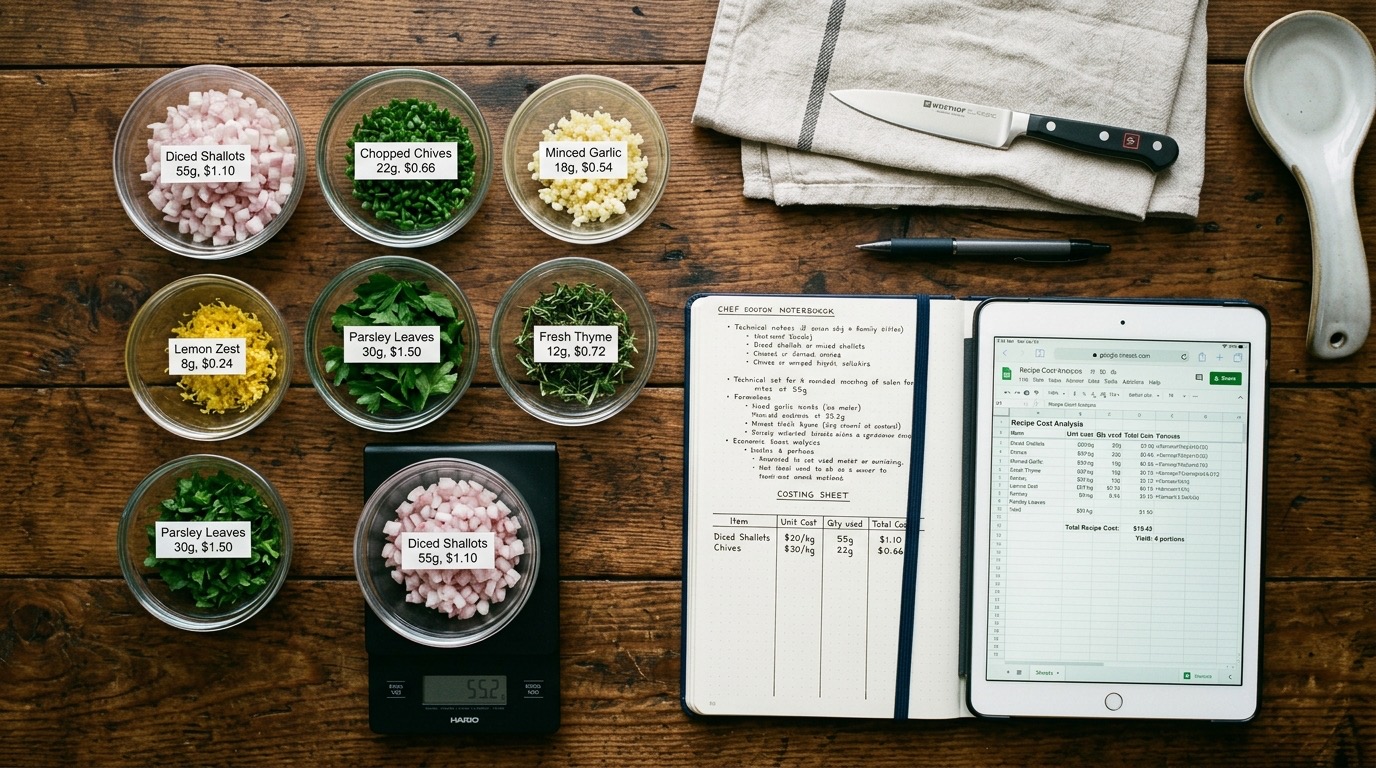
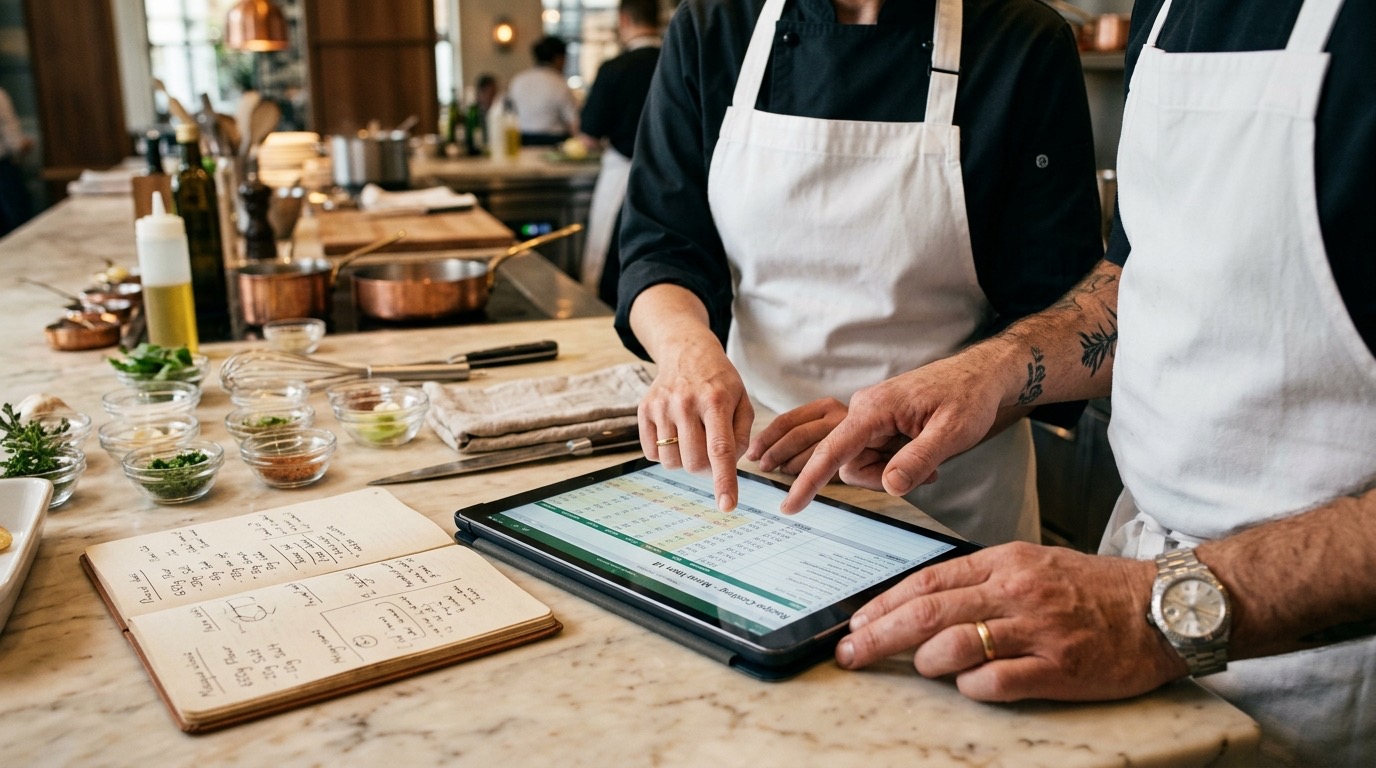
About these images: they are visual references, not the final hero photos
When an AI agent generates an image, it serves to illustrate the idea of the dish, drink, dessert or sub-prep: it helps you sense check volume, texture, plating, tableware and the visual math of the concept. The definitive photo of the recipe cost card or tech sheet is the one you take of your real dish, plated in your own kitchen.
Every recipe and creative-content AI agent offers an option at the end of the workflow to generate an image with Nano Banana 2 (the dedicated AI agent for images starts from scratch with its own steps). You can generate the first one and then as many variants as you need, including sub-preps — not just the final plate.
After generating a recipe, cost card or any content, you can download the output as CSV, PDF or Word and add your real photo when you cook the dish in service.
Tailored to Your Kitchen From Minute One
AI Chef Pro starts with the "Who Am I?" agent — a 2-minute onboarding where you describe the kind of cuisine you run, and the costing workflow adapts to your concept: Avant-garde Cuisine for restaurants, Creative Pastry for pastry shops, Creative Ice Cream Making for gelato, and so on.
What Manual Recipe Costing Really Costs You
A full week with a calculator and napkins to cost out a new 30-item menu
No kitchen labor cost factored in — complex dishes lose money without you knowing
Yield loss estimated by gut feel (30% on some cuts), not real data per process
When a vendor price changes, everything breaks and nothing updates automatically
No clear criteria to set target food cost by category (signature, appetizer, dessert)
Zero traceability: if someone audits the numbers, you cannot show where each figure came from
How AI Chef Pro Solves Recipe Costing
Avant-garde Cuisine + CSV cost card
Any creative agent (Avant-garde Cuisine, Creative Pastry, Creative Ice Cream Making, Creative Chocolate Making) delivers recipe + CSV recipe cost card with technical balance and built-in kitchen labor cost.
Waste GenCal
Accurate yield-loss data per process (butchering, roasting, blast-chilling, display, shaping) automatically merged into the CSV.
Sosa catalog with reference prices for professional technical ingredients.
Calcula Pax + Ingredient Converter
Scale recipes to 2, 6, 12 or 100 covers without losing precision; automatic converter for weights and measures (metric and US units).
Downloadable Excel templates: type or paste the ingredients from the CSV, add your prices and instantly get true margin, food cost % and suggested menu price.
Tech Sheets with Cost
Every recipe ships with a complete tech sheet: cost, allergens, technique and front-of-house storytelling.
Reference image generated by AI of the costed dish to visualize before plating (not the final hero photo).
eBook with 300+ professional prompts to cost, validate and optimize dishes with culinary AI.
Works for Any Concept
Restaurant, café, bakery, ice cream, chocolate, pizzeria, bar, catering, hotel: same workflow across the board.
The AI Agents You Use to Cost Recipes
Real AI agents from the AI Chef Pro catalog, grouped by their official platform category.
Avant-garde Cuisine
Recipes + CSV recipe cost card with technical balance and estimated yield loss.
Creative Pastry
Pastry recipes with built-in kitchen labor cost.
Creative Ice Cream Making
Gelato recipes with technical balance of sugars, solids and fats.
Creative Chocolate Making
Recipes with couvertures, ganaches and tempering technique.
Waste GenCal
Accurate yield-loss data per process integrated into the cost card.
Calcula Pax
Recipe scaling for any number of covers.
Ingredient Converter
Automatic converter for weights and measures (metric and US units).
Allergen ID
Automatic allergen identification per ingredient.
Sosa Ingredients Agent
Reference prices and technique using the Sosa catalog.
tSpoonLab Agent
Reference prices and technique using the tSpoonLab catalog.
GastroIMG Gen+
Reference image of the costed dish.
Sonar Deep Research
Deep research on suppliers and market pricing.
How to Cost Recipes with AI in 4 Steps
1. Avant-garde Cuisine (or the creative agent that matches your concept: Creative Pastry, Creative Ice Cream Making, Creative Chocolate Making, Italian Cuisine, Mexican Cuisine, Peruvian Cuisine, Japanese Cuisine) — develop or load the recipe. The AI agent delivers recipe + CSV cost card with technical balance, estimated yield losses and storytelling.
2. Sosa Ingredients Agent + Waste GenCal — the AI enriches the CSV with reference prices and real per-process yield losses for your style of cuisine.
3. Food Cost Kit Pro (downloadable Excel templates, $19) — paste in the ingredients from the CSV and enter your real vendor prices. The workbooks compute true margin, food cost %, the suggested menu price for 10 venue types (including delivery and catering) and a client-ready catering quote.
4. Calcula Pax + Ingredient Converter — when you need to scale a recipe for banquets (50, 100, 300 covers) or convert units between metric and US, the AI agents do it instantly while keeping the cost card intact.
Before & After
Without AI Chef Pro
- A week to cost out a new 30-item menu
- No kitchen labor cost — complex dishes lose money silently
- Yield losses estimated by gut feel, not real data
- Vendor prices change and margins never get updated
- Zero traceability of the calculation
With AI Chef Pro
- A new 30-item menu fully costed in a single day
- Kitchen labor cost factored in automatically
- Real yield-loss data via Waste GenCal and templates
- Vendor prices updatable: margin recalculates instantly
- Auditable CSV + tech sheet with cost ready for review
Recommended Templates and Kits for Recipe Costing
Templates, kits and guides built for this use case. Ready to download and use.
Food Cost Kit Pro
Excel templates that cost out recipes in minutes with real food cost.
Gastro Pro Prompts eBook
300 professional prompts for chefs and owners.
HACCP Food Safety Kit Pro
HACCP and traceability templates ready for inspection.
Restaurant Inventory Kit Pro
Inventory, purchasing, waste tracking, and supplier management.
Restaurant Checklists Kit Pro
Opening, closing and cleaning checklists, kitchen stations, manager, side work and a cash drawer count: 491 tasks already written.
Restaurant Financial Plan Kit Pro
Cash flow, P&L, scenarios, and a financial ratios dashboard.
"What used to be a week with a calculator is now 30 minutes. Avant-garde Cuisine delivers the CSV cost card, Waste GenCal enriches it with real yield data, and the Food Cost Kit Pro hands me a validated margin. We rebuilt a 28-dish menu in a single day and lifted margin 6 points by surfacing dishes that were quietly losing money."
Pablo Ruiz
Chef and owner, casual restaurant group with 4 locations
Recipe Costing with AI: FAQs
Does this work for any cuisine?
Yes. The workflow is the same for creative cuisine, pastry, ice cream, chocolate, pizza, Mexican, Peruvian, Japanese, Italian, plant-based or any other concept. Only the starting creative agent changes.
How does it handle kitchen labor cost?
The CSV includes a per-process labor time field (mixing, shaping, baking, finishing). The Food Cost Kit Pro costs ingredients, trim loss and a Q-factor for small prep items, not labor: multiply that time by your loaded labor rate (wages + benefits + taxes) and add it on top of the plate cost when you set the price.
How do I reflect volatile vendor prices (cocoa, fish, meat)?
The Food Cost Kit Pro recalculates margin instantly when you update prices. Waste GenCal adds the cost of yield loss per process, so the dish always reflects today's cost — not what it was three months ago.
Does it integrate with my POS or inventory system?
Yes. The CSV format is universal: import it into Toast, Square, Lightspeed, MarketMan, MarginEdge or any inventory and POS tool that accepts CSV. Field mapping takes minutes, not days.
Does AI costing match the precision of manual costing?
Yes — and it surfaces errors humans miss. The AI enforces unit consistency, factors in yield losses per process and never forgets sub-recipes. Once you load real vendor prices into the Excel kit, the numbers are auditable down to each ingredient line.
Does it support both metric and US units?
Yes. Ingredient Converter converts between grams/oz, liters/gallons, kilos/lb and any combination on the fly. The Food Cost Kit Pro has no fixed currency (amounts are in whatever currency you type) and uses US units, with metric conversions built in.
Does it cover scaling for banquets and events?
Yes. Calcula Pax scales recipes to any number of covers without losing precision; the Food Cost Kit Pro recalculates per-cover cost and a clean commercial proposal for the corporate client.
Does it generate a reference image of the costed dish?
Yes. GastroIMG Gen+ generates a visual reference of the dish. Remember the AI image is for reference only — the final hero photo of the costed dish is the one you plate and shoot in your kitchen.
Your recipe cost cards in minutes, with true margin validated.
Start with the 2-minute onboarding. Member plan for €10 per month with 10,000 credits.