







AI for Multi-Unit Directors of Operations in Restaurant Groups
Standardize processes, consolidate reporting, and multiply operational productivity across multi-unit restaurant groups with an AI agent suite built for hospitality.
Same standard across every location, consolidated data in one click
10,000 credits/month · Member plan €10/month
The Day-to-Day of a Director of Operations, in Pictures
What you'll coordinate with AI Chef Pro: multi-unit dashboards, strategy meetings, unit audits, corporate manuals, and GM onboarding.

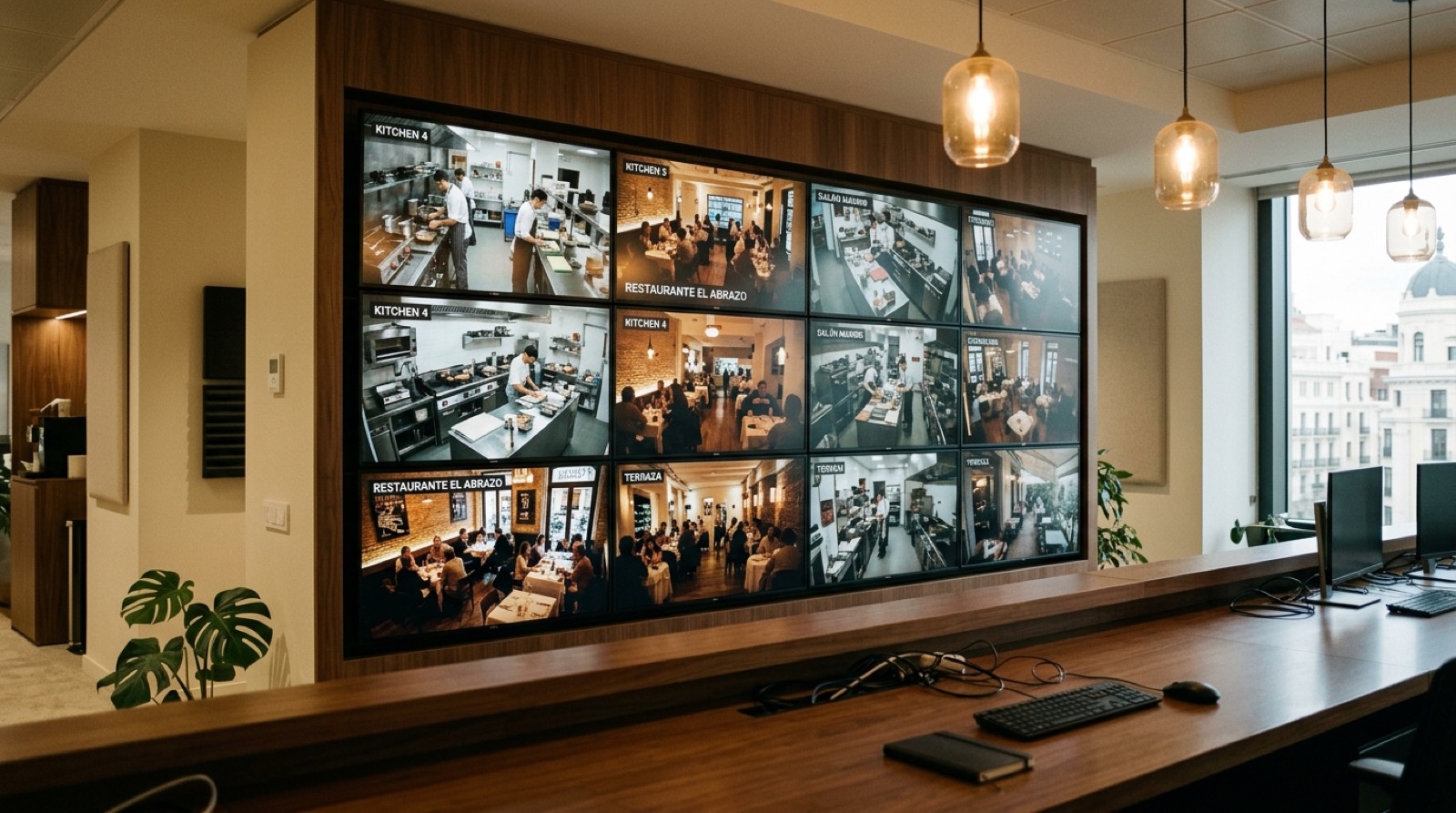


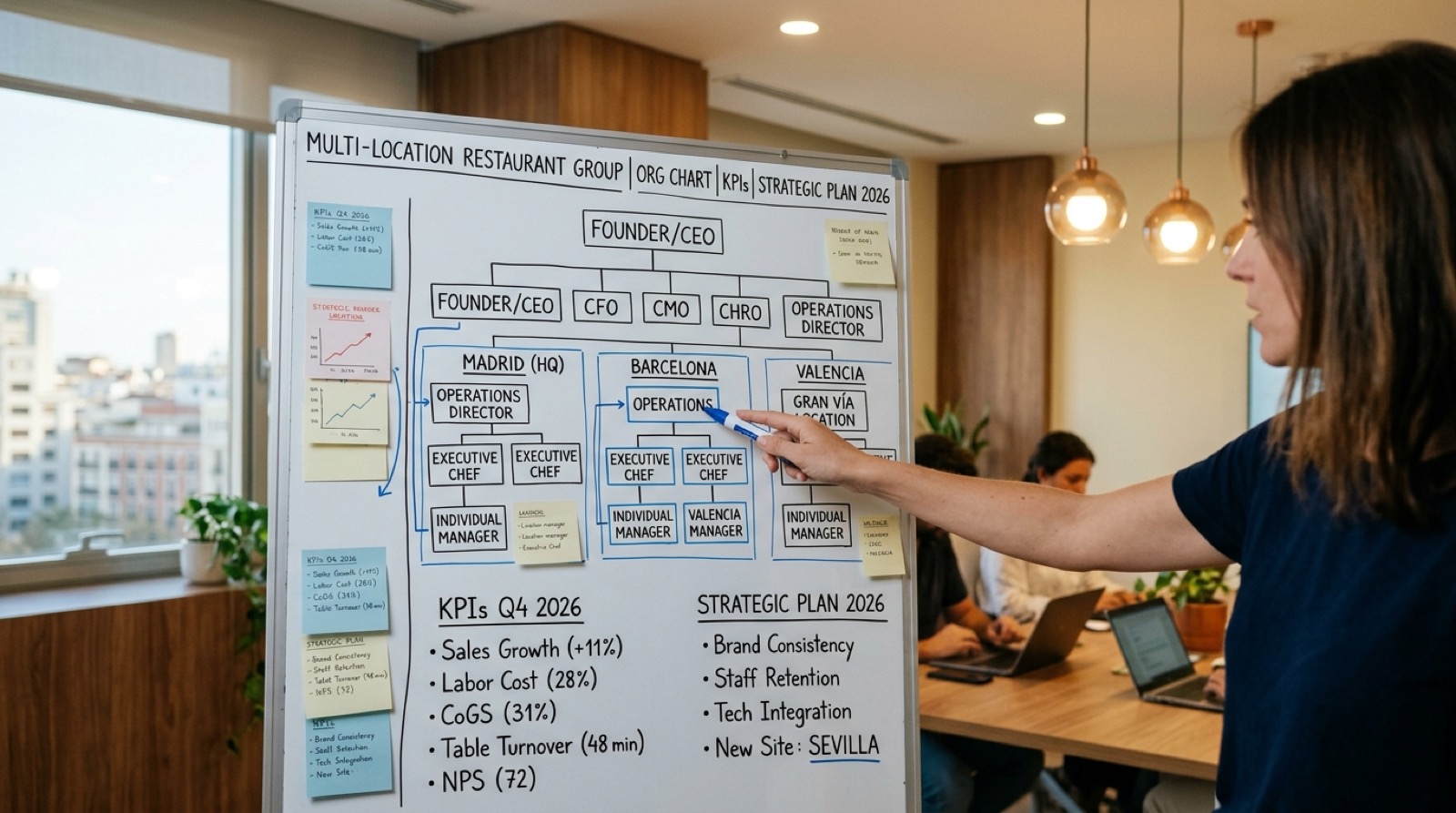
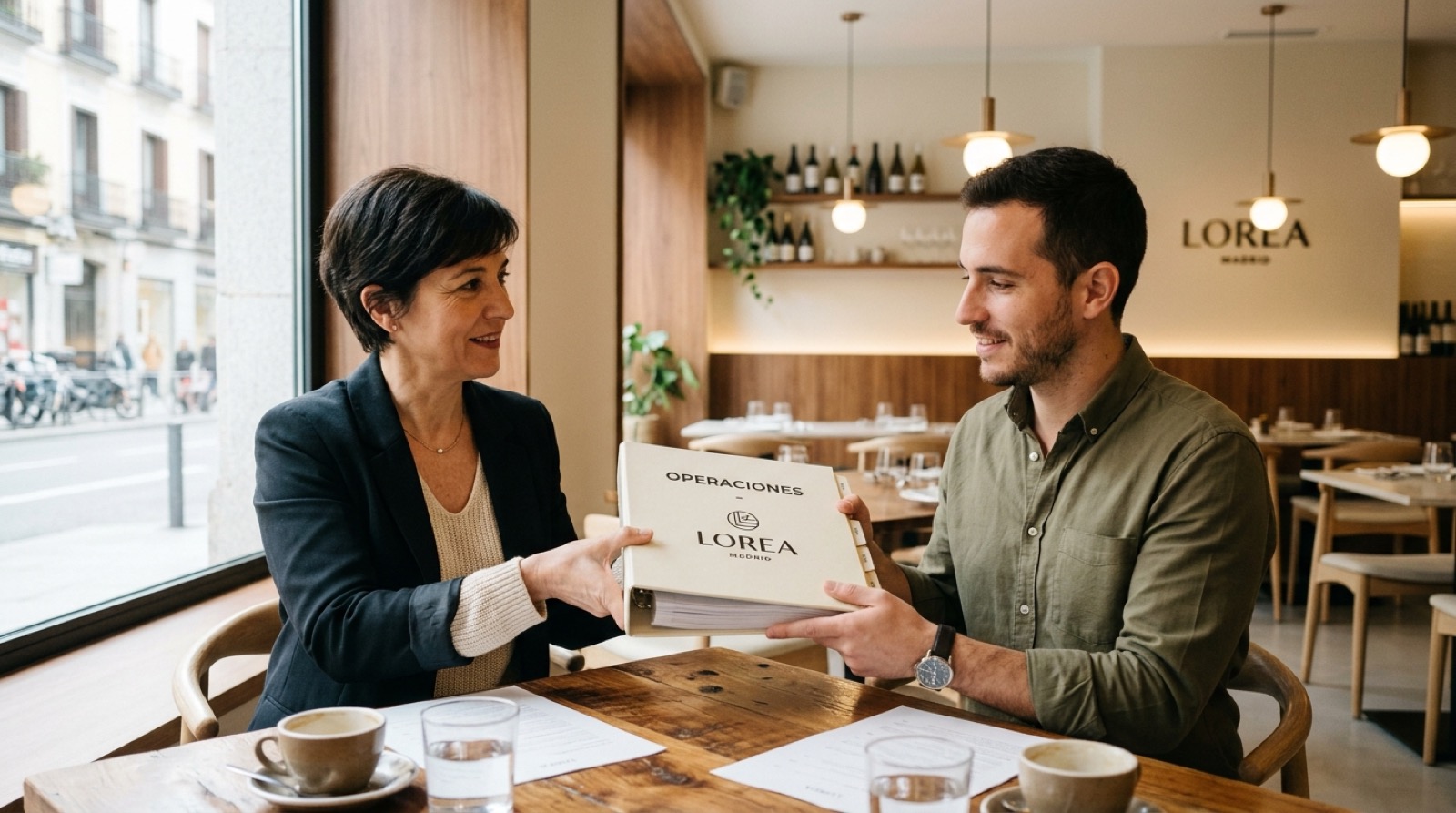
About these images: they are visual references, not the final hero photos
When an AI agent generates an image, it serves to illustrate the idea of the dish, drink, dessert or sub-prep: it helps you sense check volume, texture, plating, tableware and the visual math of the concept. The definitive photo of the recipe cost card or tech sheet is the one you take of your real dish, plated in your own kitchen.
Every recipe and creative-content AI agent offers an option at the end of the workflow to generate an image with Nano Banana 2 (the dedicated AI agent for images starts from scratch with its own steps). You can generate the first one and then as many variants as you need, including sub-preps — not just the final plate.
After generating a recipe, cost card or any content, you can download the output as CSV, PDF or Word and add your real photo when you cook the dish in service.
Tailored to Your Group from Minute One
AI Chef Pro starts with the "Who Am I?" agent, a 2-minute conversational onboarding where you tell it how many units you run, which concepts you operate (casual, fine-dining, dark kitchen, hotel), in which countries, and how your org is structured. From that moment on, every agent responds tailored to the real scale and structure of your group. It's not a form: it's a short conversation that makes the suite genuinely useful for multi-unit Directors of Operations.
What a Multi-Unit Operations Director Cannot Afford to Leave Unsolved
Holding the same quality, process, and guest-experience standard across every location in the portfolio
Consolidating financial, operational, and team KPIs to compare unit-level performance side by side
Replicating ops manuals, training, and onboarding without losing quality as the group scales
Spotting locations with food cost, labor, or productivity variance early — before they bleed margin
Coordinating each unit's GM with clear communication and consistent reporting up the chain
Scaling the group by opening new units without reinventing the wheel at every opening
How AI Chef Pro Supports a Director of Operations
Multi-unit standardization
Manuals, checklists, and SOPs that replicate uniformly across every unit in the group with a single click.
Same KPIs in every unit
Restaurant Financial Plan Kit Pro: the same P&L lines and KPIs (food cost, labor cost, prime cost, EBITDA) in every restaurant, measured against the same benchmarks.
Executive Chef Pro
Agent that standardizes recipes and spec sheets so the same dish plates identically across 1, 5, or 25 kitchens.
Restaurant Manager Pro
A copilot for each unit GM that reports up to the Director of Operations with consolidated data.
AI-powered ops manuals
Onboarding, team training, and SOPs always current from a single central repository.
Group-wide HACCP
One unified documentation system across every unit: centralized traceability and temperature logs.
Per-location cost audit
Waste GenCal and Food Cost Kit Pro flag food cost variance before it spirals out of control.
Schedules and team structure
Restaurant Staff Scheduling Kit Pro: same shift structure, ratios, and productivity benchmarks across every unit.
Deep research on trends, competitors, and markets to inform strategic expansion decisions.
The AI Agents You'll Use as a Director of Operations
Real AI agents from the AI Chef Pro catalog, grouped by their official platform category.
Executive Chef Pro
Recipe standardization, spec sheets, and replicable manuals across every unit in the group.
Restaurant Manager Pro
Copilot for each unit GM with consolidated reporting up the chain.
Casual Restaurants AI+
Specialist for bistros, gastropubs, and casual dining — the most common segment in multi-unit groups.
Burgers Pro AI+
For groups with gourmet burger or fast-casual brands in the portfolio.
Catering AI+
For groups with a catering and corporate events division.
Sonar Deep Research
Deep research on trends, competitors, and markets for strategic decision-making.
Waste GenCal
Precise yield-loss and ingredient-yield data — essential for multi-unit cost auditing.
Allergen ID
Automatic per-recipe allergen tagging, unified across every unit.
BlogPost SEO Gen+
Blog posts to capture organic traffic for each unit in the group.
Keyword Discovery AI+
Keyword research scoped to each location's ZIP code / catchment area.
GastroIMG Gen+
AI food photography unified across the group's brand identity.
A Real Day in the Life of a Director of Operations with AI Chef Pro
08:30 · Coffee and Restaurant Financial Plan Kit Pro — you review the monthly KPI dashboards of the group's 7 units and spot Unit 4 running food cost at 33% (+3 pp over target).
09:30 · Restaurant Manager Pro — you ask the agent for an automated root-cause breakdown by location. It identifies the issue: yield loss on fish.
10:30 · Video call with the Unit 4 GM — backed by hard data from the Restaurant Financial Plan Kit Pro, not gut feel.
12:00 · Executive Chef Pro — you update the fish-handling SOP and it replicates to all 7 kitchens as a new manual version.
15:30 · Consolidated schedules — you review the Restaurant Staff Scheduling Kit Pro with the labor-cost ratio across every unit and sign off onboarding for the new GM at Unit 8.
17:00 · Sonar Deep Research — you investigate the market for the next opening in another city: catchment analysis, average ticket, and competitive set.
19:00 · Executive committee meeting — you bring each unit's P&L budget vs actual and KPIs from the Restaurant Financial Plan Kit Pro as PDF. Meeting wrapped in 45 minutes.
21:30 · End of day — all 7 GMs send you the automated daily report on WhatsApp. You head home with full visibility across the portfolio.
Before & After
Without AI Chef Pro
- 7 units running 7 different spreadsheets, mismatched manuals, and inconsistent HACCP
- Spotting a unit with variance takes 2 weeks because there's no consolidated reporting
- New GM onboarding takes a month with improvised, unit-specific materials
- Committee reporting via scattered files with no professional dashboards
- Expansion decisions made on gut feel, with no deep market analysis
With AI Chef Pro
- Same standard replicated across all 7 units: recipes, manuals, and HACCP unified
- Spot a unit's variance as soon as its monthly P&L is in, with the traffic light of the Restaurant Financial Plan Kit Pro
- New GM onboarded in 1 week with replicable manuals and training
- Committee reporting in PDF with each unit's KPIs from the Restaurant Financial Plan Kit Pro
- Expansion decisions backed by Sonar Deep Research and professional "How to Open a…" guides
Downloadable Templates and Kits for Restaurant Groups
Templates, kits and guides built for this use case. Ready to download and use.
Restaurant Financial Plan Kit Pro
Cash flow, P&L, scenarios, and a financial ratios dashboard.
Food Cost Kit Pro
Excel templates that cost out recipes in minutes with real food cost.
HACCP Food Safety Kit Pro
HACCP and traceability templates ready for inspection.
Restaurant Staff Scheduling Kit Pro
Shift schedules, overtime, labor cost, onboarding, PTO and team performance reviews.
Restaurant Inventory Kit Pro
Inventory, purchasing, waste tracking, and supplier management.
Restaurant Checklists Kit Pro
Opening, closing and cleaning checklists, kitchen stations, manager, side work and a cash drawer count: 491 tasks already written.
"We run 7 locations and each one used to operate differently — different spreadsheets, different manuals, different HACCP. With AI Chef Pro we have the same standard everywhere and consolidated reporting in a single view. Spotting the underperforming unit went from 2 weeks to 1 day."
Javier Ortega
Director of Operations, 7-unit restaurant group
Frequently Asked Questions from Directors of Operations
How many units does AI Chef Pro support?
No real ceiling. We have customers running 1 location and others with 25+ active units. Enterprise plans scale by usage and unlock consolidated dashboards, white-glove onboarding, and priority support.
Does it integrate with our ERP or accounting system?
Templates export to Excel, PDF, and CSV in formats compatible with most ERPs and accounting platforms (NetSuite, Sage Intacct, QuickBooks, Restaurant365). Your finance team gets documentation ready to drop in.
Does it support roles and permissions per location?
Yes. You can grant access at the unit GM, district / regional manager, or consolidated Director of Operations level. Each tier sees only the data scoped to their role.
How do you guarantee the same standard across every unit?
Executive Chef Pro standardizes recipes and spec sheets; the HACCP Food Safety Kit Pro unifies traceability; Food Cost Kit Pro keeps the same calculations across every location. Manuals replicate with one click and update from a single source of truth.
Are there discounts for groups with multiple units?
Yes. Starting at 5 active units we offer enterprise plans with white-glove onboarding, consolidated dashboards, central-team training, and priority support. Franchisor / franchisee structures are supported.
Does it help open new locations faster?
Yes — it's one of the most common use cases. Our "How to Open a…" guides (dark kitchen, fine-dining, casual, Mexican, Japanese, Peruvian, Nikkei) are professional roadmaps that accelerate openings with financial plan, business plan, and replicable playbooks.
Also Useful For
Standardize your group. Same standard across every location.
Talk to us for a personalized onboarding for your group or start with the Member plan: €10 per month with 10,000 credits.