These digital products pair with AI Chef Pro — the AI platform for hospitality with 55+ tools — AI platform for hospitality
Explore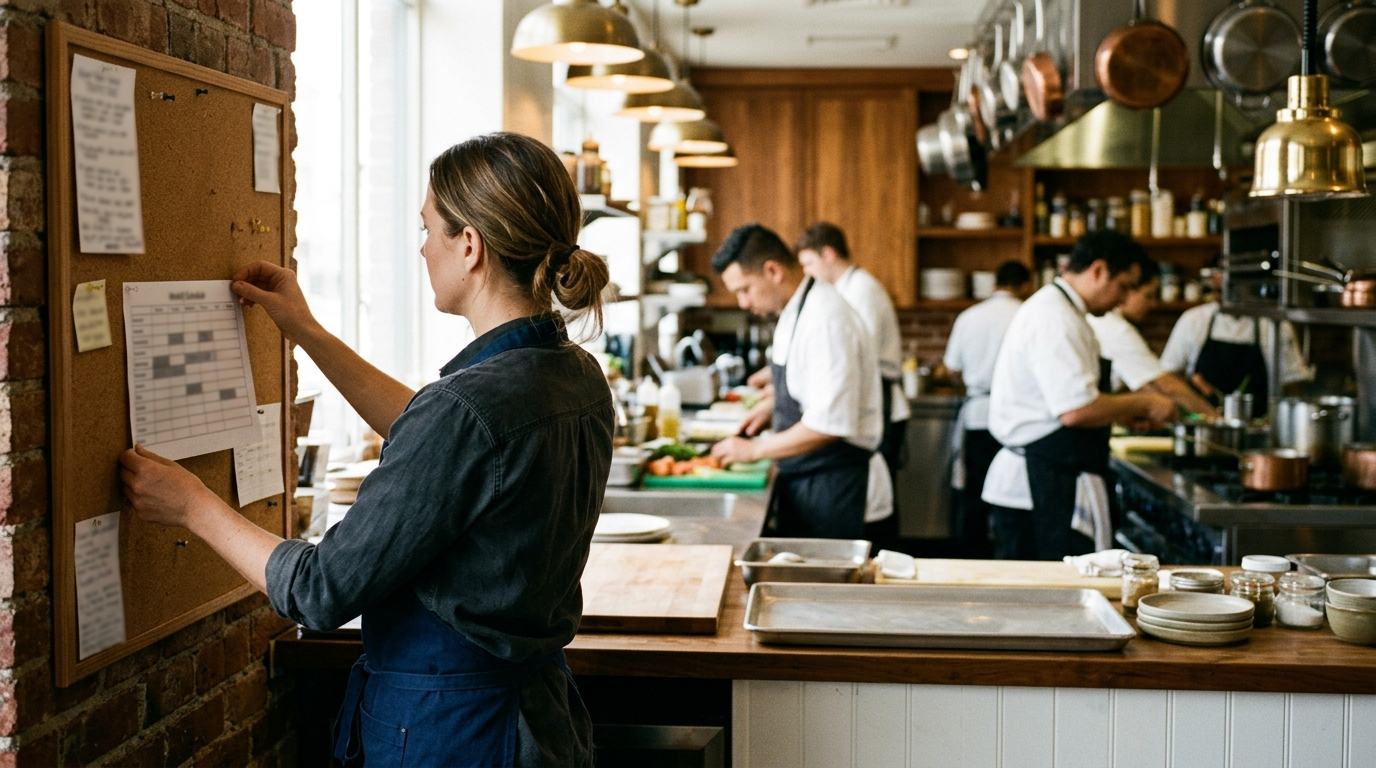












Restaurant Staff Scheduling Kit Pro: Restaurant Schedule Template & Staff Rota for Excel
9 Excel templates with automatic formulas to manage shifts, overtime, labor cost, onboarding, PTO and performance reviews for your restaurant team. Schedule like a pro.
Special launch price. Going up soon
No international card, or prefer your wallet? Same price, no surcharge.
Print, Delegate and Control
Excel templates set up to print on US Letter. Compatible with Excel, LibreOffice and Numbers









9 Staff Management Templates
Every template comes with automatic formulas and is built for how restaurants really work. Adjust it to your business and start scheduling.
Restaurant Schedule Template: Weekly & Monthly Staff Rota
Weekly and monthly schedule with the alerts that matter: less than 10 hours between shifts (the "clopening" rule of Fair Workweek laws), shifts over 10 hours, weeks over 40 hours, days off, and minors' shifts (under 16: no work after 7 PM, 9 PM from June 1 to Labor Day, 29 CFR 570.35; 16-17: state law). You set shift codes and times once.
Overtime Tracker & Time Log (FLSA 40-Hour Week)
Time log per employee with overtime by workweek: hours over 40 at 1.5× (both editable), plus an optional daily threshold for states such as California. Unapproved overtime still counts, because it still has to be paid, and an annual overtime budget per person shows who is close to it.
Restaurant Labor Cost Calculator (Payroll & Labor %)
Labor cost-to-sales ratio with a traffic light by type of restaurant (fast casual, casual dining, fine dining, catering...). Payroll by pay period (weekly, biweekly, semimonthly or monthly), employer taxes as an editable estimate, and a staffing forecast per service.
New Hire Onboarding Checklist
50 tasks in five blocks: hiring paperwork, required training, equipment and access, on-the-job training, and the introductory period. Each one with its deadline in days from the hire date, such as Form I-9 Section 1 by the first day of work.
PTO & Vacation Planner
Annual calendar by week with a real PTO balance. Requests, approvals, minimum coverage by position and a high-season warning. The entitlement is an editable cell: there is no federal paid vacation requirement in the US.
Employee Performance Review Form
10 key competencies for restaurants, scored 1-5. Quarterly history, goals for each period and an individual development plan.
Employee Directory & Expiry Tracker
Complete staff database: position, employment type, FLSA status, pay type, only the last 4 digits of the SSN, contract end dates, food handler card and alcohol server certificate expiry alerts, and a flag for staff under 18.
BONUS: Shift Handover Log (Manager Log Book)
Handover between shifts: incidents, VIP reservations, pending tasks, low stock, absences and staff changes, a CASH COUNT against the POS Z report with the over/short, and TEMPERATURES at handover in °F, each unit with its min and max.
BONUS: Restaurant Staffing Calculator
Works out how many people you need from covers per service, covers per employee, days open and demand peaks.
Hear From the Pros
General managers, HR directors and owners who already manage their teams with Kit Gestión de Personal y Turnos, the Spanish edition of this kit
David Ruiz
General Manager, casual restaurant (45 covers)
"The shift schedule has changed my life. I used to do it by hand and there were always mistakes with rest periods. Now the alerts for the 12 hours of rest between shifts and for the hours each person is contracted for warn me automatically."
Carmen Delgado
HR Director, hospitality group (6 restaurants)
"The onboarding template is amazing. 50 organized tasks: paperwork, HACCP, workplace safety, training, access. Onboarding time dropped from 2 weeks to 4 days in every unit."
Francisco Torres
Owner, 2 restaurants in Madrid
"I close the month and in five minutes I know my labor cost: the employer's social security contribution and the overtime premium in my collective agreement are cells I edit myself, and the traffic light uses the threshold for MY type of business, not a generic 30%."
Lucía Navarro
Head Chef, Mediterranean restaurant
"The overtime tracker is exactly what I needed. It calculates the cost automatically under our collective agreement and warns me when a cook is close to Spain's legal limit. We've avoided 3 fines."
David Ruiz
General Manager, casual restaurant (45 covers)
"The shift schedule has changed my life. I used to do it by hand and there were always mistakes with rest periods. Now the alerts for the 12 hours of rest between shifts and for the hours each person is contracted for warn me automatically."
Carmen Delgado
HR Director, hospitality group (6 restaurants)
"The onboarding template is amazing. 50 organized tasks: paperwork, HACCP, workplace safety, training, access. Onboarding time dropped from 2 weeks to 4 days in every unit."
Francisco Torres
Owner, 2 restaurants in Madrid
"I close the month and in five minutes I know my labor cost: the employer's social security contribution and the overtime premium in my collective agreement are cells I edit myself, and the traffic light uses the threshold for MY type of business, not a generic 30%."
Lucía Navarro
Head Chef, Mediterranean restaurant
"The overtime tracker is exactly what I needed. It calculates the cost automatically under our collective agreement and warns me when a cook is close to Spain's legal limit. We've avoided 3 fines."
Alberto Méndez
Director of Operations, restaurant chain
"Vacation planning with minimum coverage by position is great. No more Augusts with 3 cooks when we need 6. We plan from January with the full picture."
Marta Jiménez
Labor consultant specializing in hospitality
"I recommend it to all my clients. The templates follow current Spanish labor rules: rest periods, maximum working hours, vacation. It's the best way to prevent fines from Spain's Labor Inspectorate."
Roberto Sánchez
Executive Chef, 5-star hotel (120 employees)
"The performance review with 10 competencies scored 1-5 has made our quarterly reviews professional. The history shows how each team member is really progressing."
Enrique Vidal
General Manager, fine-dining restaurant (2 stars)
"The staffing calculator was an eye-opener. With the covers of our PEAK day, it told us that service needs 2 extra people, and that we didn't need to add permanent staff. The covers-per-employee ratio explains everything."
Alberto Méndez
Director of Operations, restaurant chain
"Vacation planning with minimum coverage by position is great. No more Augusts with 3 cooks when we need 6. We plan from January with the full picture."
Marta Jiménez
Labor consultant specializing in hospitality
"I recommend it to all my clients. The templates follow current Spanish labor rules: rest periods, maximum working hours, vacation. It's the best way to prevent fines from Spain's Labor Inspectorate."
Roberto Sánchez
Executive Chef, 5-star hotel (120 employees)
"The performance review with 10 competencies scored 1-5 has made our quarterly reviews professional. The history shows how each team member is really progressing."
Enrique Vidal
General Manager, fine-dining restaurant (2 stars)
"The staffing calculator was an eye-opener. With the covers of our PEAK day, it told us that service needs 2 extra people, and that we didn't need to add permanent staff. The covers-per-employee ratio explains everything."
Why This Kit?
These aren't generic HR templates. They're tools designed by a chef who has worked in kitchens since the age of 17 and has been a restaurant consultant since 2010.
Built for Restaurants, Not Generic HR
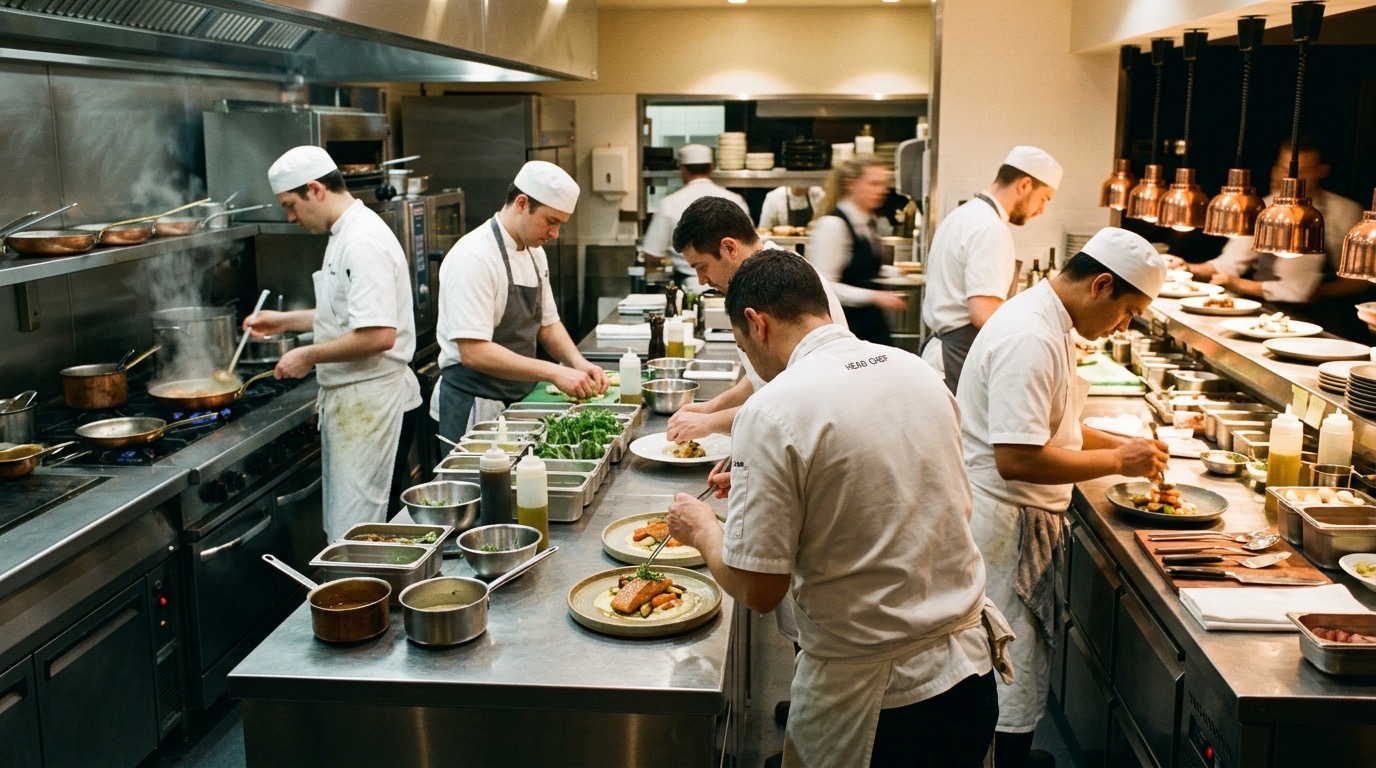
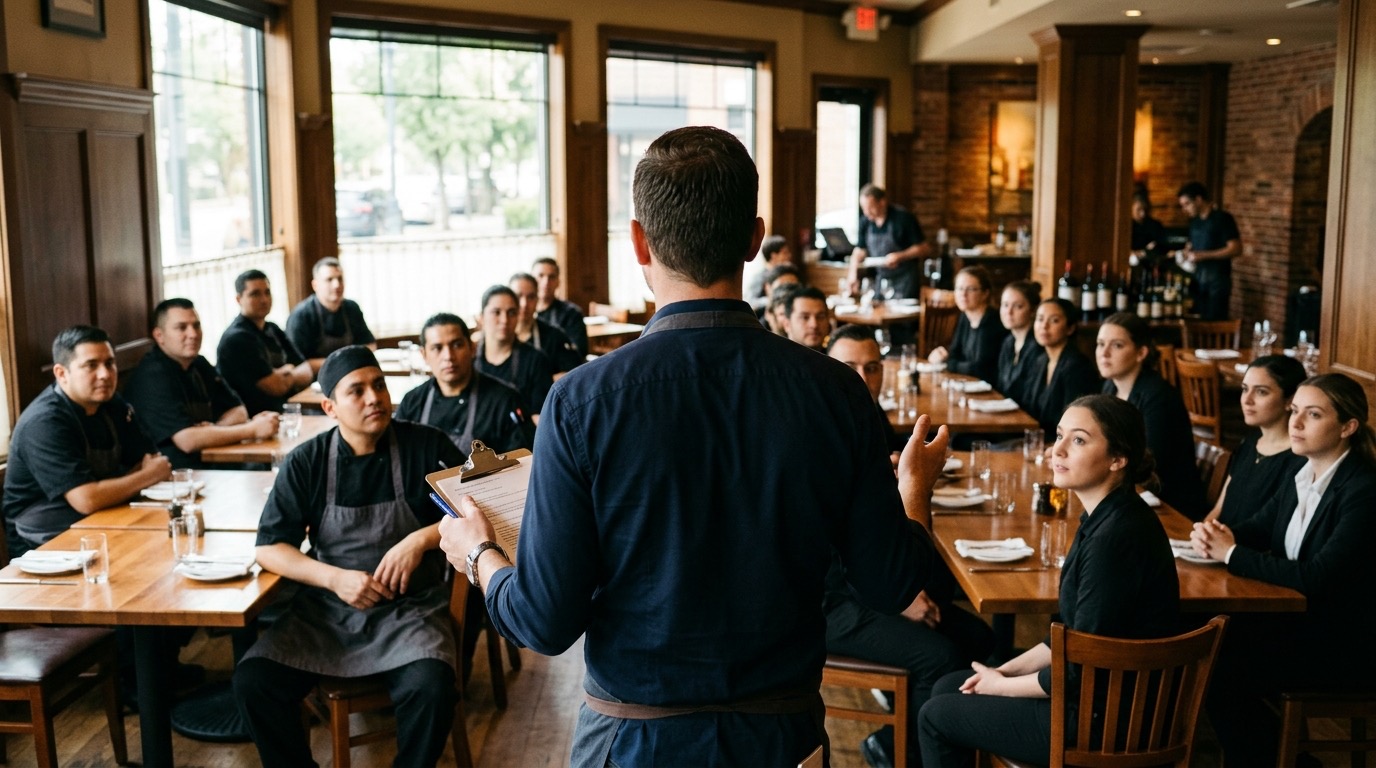
Designed for restaurants, hotels and catering: split shifts, doubles, services, back of house and front of house, extra shifts on the weekend. Not generic HR templates.
Real Formulas
Labor cost, overtime by workweek, covers per employee and a staffing forecast per service, all calculated automatically. Not theory: numbers.
Labor Rules, With the Exact Citation
Each legal alert cites its rule: overtime after 40 hours in a workweek (FLSA, 29 U.S.C. 207), rest between shifts from Fair Workweek laws (10 hours in Oregon and Seattle, 11 for fast food in New York City) and hour limits for minors under 16 (29 CFR 570.35). The 10 h long-shift alert and the 80 h overtime budget are kit defaults you can change. Every threshold is an editable cell, because state and city rules vary. A planning tool, not legal advice.
Scheduling Apps Charge Every Month, Per Location. This Is $19, Once
The same planning tools as a scheduling subscription, in Excel, for a one-time payment. No subscription and no per-user fees.
Compatible with:

Created by
Chef John Guerrero
CEO of AI Chef Pro and founder of ChefBusiness Group. In kitchens since the age of 17 and a restaurant consultant since 2010. A specialist in managing restaurant and hotel teams, he has designed staff scheduling systems for hundreds of restaurants.
Exclusive Bonuses
Besides the 7 core templates, you get these extra resources — worth $38
BONUS 1Shift Handover Log (Manager Log Book)
Value: $19
The template that makes sure no shift starts blind. Incidents, VIP reservations, pending tasks, low stock, staff absences, a cash count (opening float, cash counted and cash sales from the POS Z report) and temperatures at handover, the exact moment food safety changes hands.
BONUS 2Restaurant Staffing Calculator
Value: $19
Works out how many people you need from your covers per service, days open, covers per employee and demand peaks. Stop being overstaffed or understaffed.
Total value of the complete kit: $97 — 7 templates ($59) + 2 bonuses ($38)
$59
$19
Save $40 TODAY!
8 Professional Tools, Free
Your purchase also unlocks our professional hospitality tools. Use them straight from your dashboard or right here.
Crypto payment
No international card, or prefer to pay from your wallet?
Same price as by card, no surcharge. You pay the equivalent in USDT, USDC, BTC or ETH at the current rate.
- Automatic delivery by email as soon as the gateway confirms the payment: usually a few minutes; Bitcoin can take longer
- Recommended: USDT on the TRON network (TRC-20), with fees of a few cents
- From Binance, Trust Wallet or any wallet that supports the network you choose

Satisfaction Guarantee 100%
If the templates don't help you manage your restaurant team better, we'll refund 100% of your money. No questions, no hassle.
If you pay with crypto, refunds are handled manually and sent in the same coin and network you paid with.
30
Day guarantee
100%
Money back
0
Awkward questions
Frequently Asked Questions
Yes. You'll find free weekly schedule templates for Google Sheets online, and they're fine for a simple grid of names and days. This kit is something else: 9 Excel (.xlsx) workbooks built for restaurants. The schedule knows your shift codes and times, adds up the hours and flags long shifts, less than 10 hours between shifts, weeks over 40 hours and shifts for minors, and it comes with the overtime, labor cost, onboarding and PTO templates around it, for a one-time $19.
Set up your shifts once and reuse them every week. In the Shifts tab of the Restaurant Schedule Template, each shift has a code, a start time and an end time (AM from 7 AM to 3 PM, PM from 3 to 11 PM, SP for a split shift, DBL for a double...). Then you type the codes into the weekly grid, and the sheet works out the hours, the rest between shifts and the alerts. Change a shift's times in the Shifts tab and the schedule updates.
Put your team in rows and the days of the week in columns, use a short code for each shift and keep the start and end times in a separate table, so the sheet can add up hours per person and per week. Then add the checks: hours over 40 (overtime), rest between a closing and an opening shift, and days off. The Restaurant Schedule Template comes set up exactly that way, with a weekly and a monthly view.
No. This kit doesn't record clock-ins: for that you need your POS or a time-clock app. It's for PLANNING shifts, tracking overtime, controlling labor cost, onboarding and managing your team. You can type the clock-in and clock-out times from your time clock into the Overtime Tracker, and it works out the overtime and what it costs. Keep those records: under the FLSA, payroll records are kept for 3 years and time cards for 2 (29 CFR 516.5-516.6).
Yes. The Overtime Tracker adds up each person's hours by workweek and counts everything over 40 as overtime at 1.5× the regular rate, the FLSA rule. Both numbers are editable cells, and there is an optional daily threshold for states with daily overtime (California: over 8 hours in a day). Overtime that wasn't approved still counts, because it still has to be paid. If you take a tip credit, remember that overtime is calculated on the full minimum wage, not on the cash wage.
Yes. The templates are built for foodservice in general: casual dining, fine dining, fast casual, hotel restaurants, catering, cafés, bars and ghost kitchens, from one location to a group. The labor cost traffic light has its own target for each of 10 concepts, so a fine-dining restaurant isn't judged against a quick-service benchmark.
Scheduling and HR apps are a monthly subscription, usually per location. This kit is $19, a one-time payment with no subscription, and you can customize 100% of it. What it is not: there is no mobile app for your staff, no shift-swap requests or notifications, and no POS or time-clock integration.
Yes. One purchase covers one business with all of its locations, which makes it a good fit for restaurant groups and multi-unit operators. If you are a consultant, you can use the templates with your clients, but you can't hand them copies: each business buys its own.
Yes. The limits live in editable cells, so you set the UK figures once: call it your rota, set the minimum rest between shifts to 11 hours, keep an eye on the 48-hour average week and enter 39 calendar days (5.6 weeks of paid holiday) in the PTO planner. The UK has no legal overtime premium, so set the multiplier to what your contracts say, and put your own employer cost in its cell (employer National Insurance is 15% above £5,000 a year, plus a 3% pension contribution).
The price is $19 USD, a one-time payment. At checkout, Stripe can show the amount in your local currency (for example GBP, EUR, CAD or AUD) and converts it for you. The templates themselves have no currency symbol: you type amounts in your own currency.
No subscription: you pay once and get lifetime access to the online dashboard. When we add new templates or improvements, you get them at no extra cost — just download the files again.
Yes. A full 30-day guarantee. If you're not happy, we'll refund 100% with no questions asked.

Stop Improvising How You Manage Your Team
9 professional templates to manage your staff for less than one hour of a labor consultant's time.
No international card, or prefer your wallet? Same price, no surcharge.
Buy from anywhere in the world
Digital products in English with instant download. Pay by card, Apple Pay or Google Pay from the US, the UK, Canada, Australia or anywhere else.
New to the platform?
Try AI Chef Pro today
The most complete AI suite for hospitality and restaurants. Available in 7 languages.
10,000 credits a month on the Member plan. No commitment.

STAFF SCHEDULING KIT PRO — $19
BUY NOW