Your AI Agents Now Connect with Gmail, Sheets, and Instagram
AI Chef Pro agents now connect with Gmail, Google Sheets, Instagram, and 13 more platforms. Ask by voice and it does it for you.
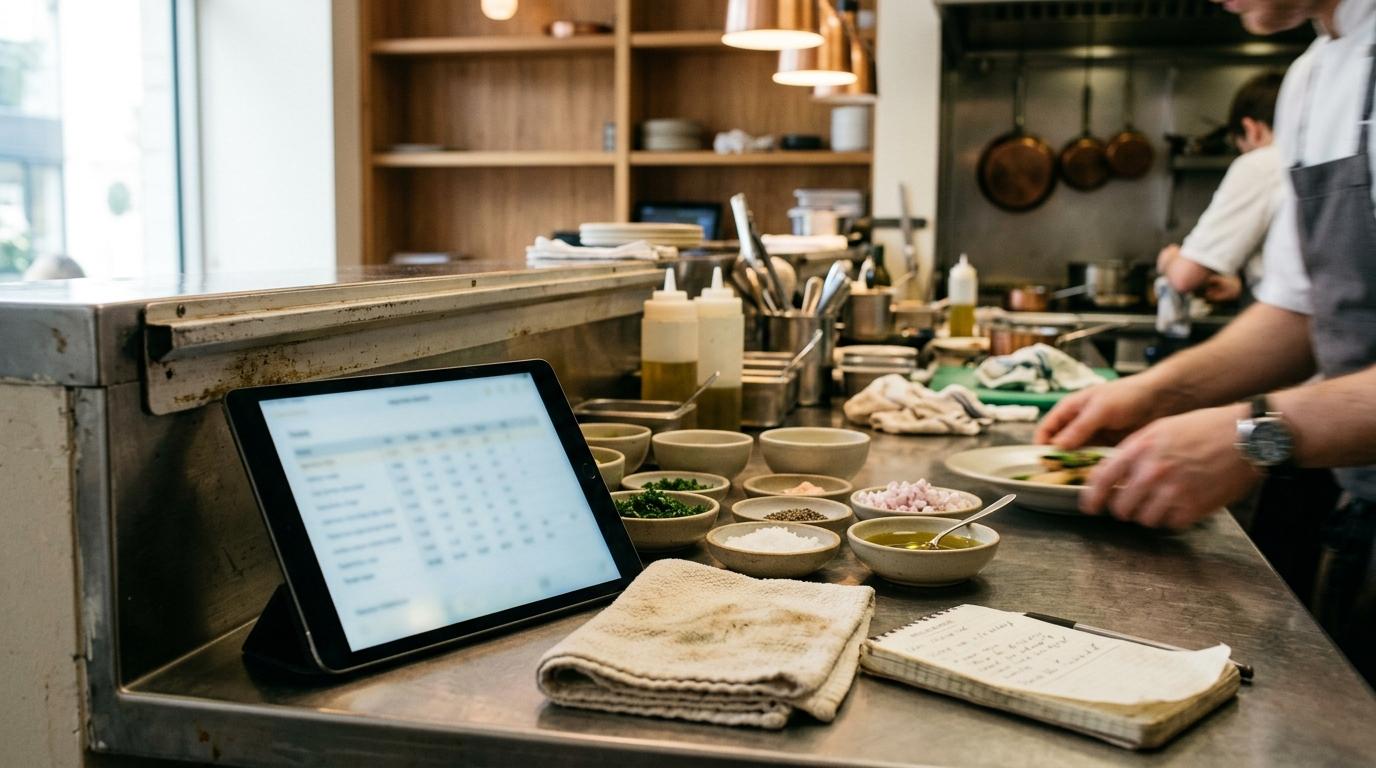
Until today, working with AI Chef Pro involved a step that no one mentioned but we all did: copy, leave the platform, paste somewhere else, adjust the formatting, go back. A yield analysis generated in the chat ended up in a Word document by hand. A catering menu proposal was copied to the email character by character. A waste table was moved to Google Sheets cell by cell. That gap between what the agent produced and the place where you actually needed to use it was small in appearance, but it added time and errors every day.
With the update we are publishing today, that gap disappears. AI Chef Pro agents have received three fundamental improvements that change the way they reason, the way they present what they generate, and the way they connect with the platforms you already use in your kitchen and your business. We’ll tell you without beating around the bush.
Agents now reason before responding
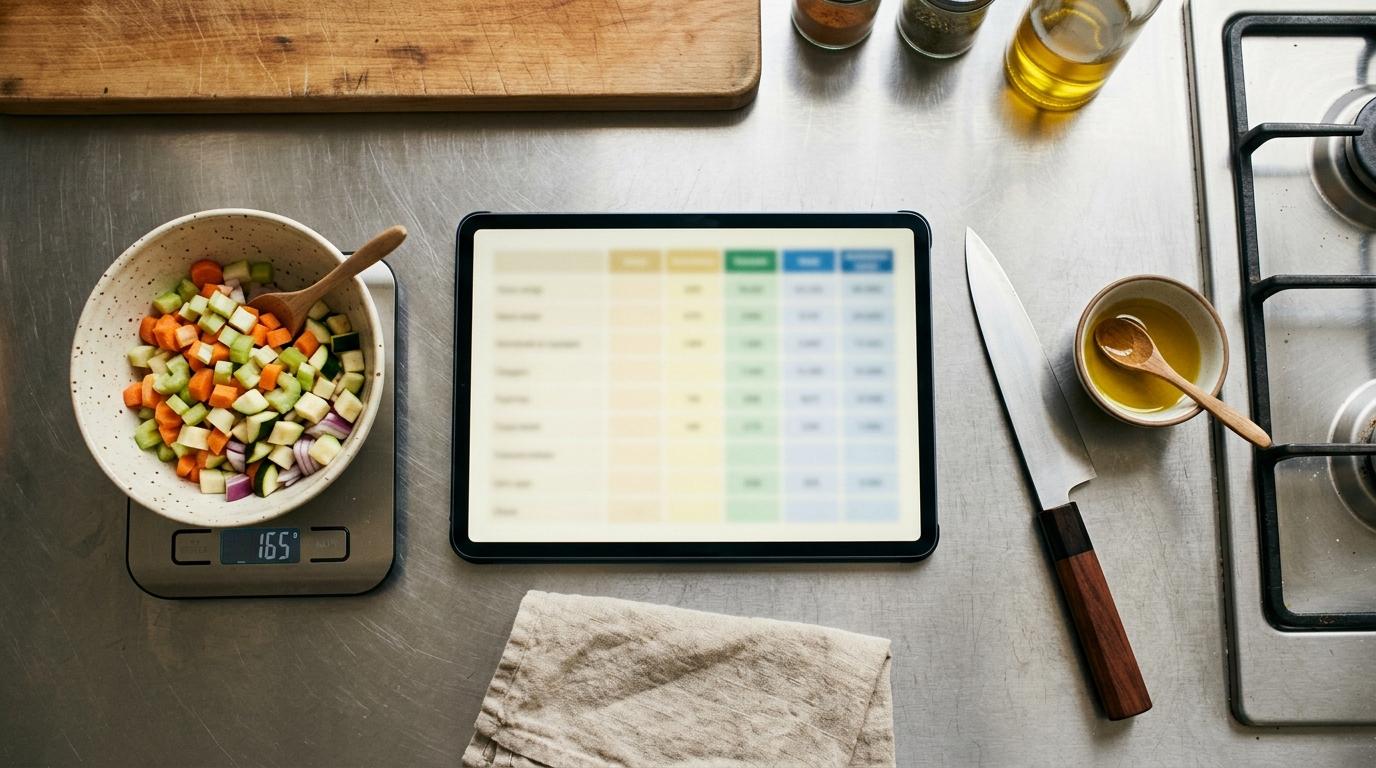
AI Chef Pro agents no longer generate the first plausible answer they find: they analyze the context, weigh the options, and consider the response before giving it to you.
This change is especially noticeable in everything that involves numbers. When you ask an agent to calculate the yield analysis of a dish, it now takes into account the actual yield of each ingredient, the cost per portion, the target margin, and possible price variations before giving you a figure. When you work on menu engineering, the agent weighs which dishes drive margin, which ones customers ask for but barely leave profit, and how to rebalance the menu sensibly. When you build a business plan for a new opening or to present to an investor, the agent cross-references the data you give it and warns you if something doesn’t add up before you see it.
In practice, this means fewer answers that sound good but don’t hold up to a review with a calculator. The reasoning is built into all agents; it’s not an option you have to enable.
Artifacts: what the agent generates, you can keep editing
Chat agents now create artifacts. An artifact is any self-contained content that the agent produces within the conversation and that you can keep modifying without leaving it: a text document, a data table, an interactive component, a visualization, an HTML or CSS file, a code snippet.
Instead of receiving a block of text that you have to reformat elsewhere, the agent delivers something that already has its own structure. You can ask it to modify it, add a section, change the tone, adapt it for another context, and the artifact updates in the same window. Everything stays within the conversation, versioned and accessible.
A concrete example: if you ask the agent to prepare a menu proposal for a catering event, it returns a structured document with starters, mains, desserts, allergens, and price per guest. From there you can ask it to adjust the price, remove a vegetarian option, or add wine pairing, and the document updates instantly.
Important: recipes and yield analyses are outside artifacts. They have their own specialized actions within the platform, designed specifically for that type of content and doing that job better. Artifacts are for everything else.
Direct connection with 16 external platforms
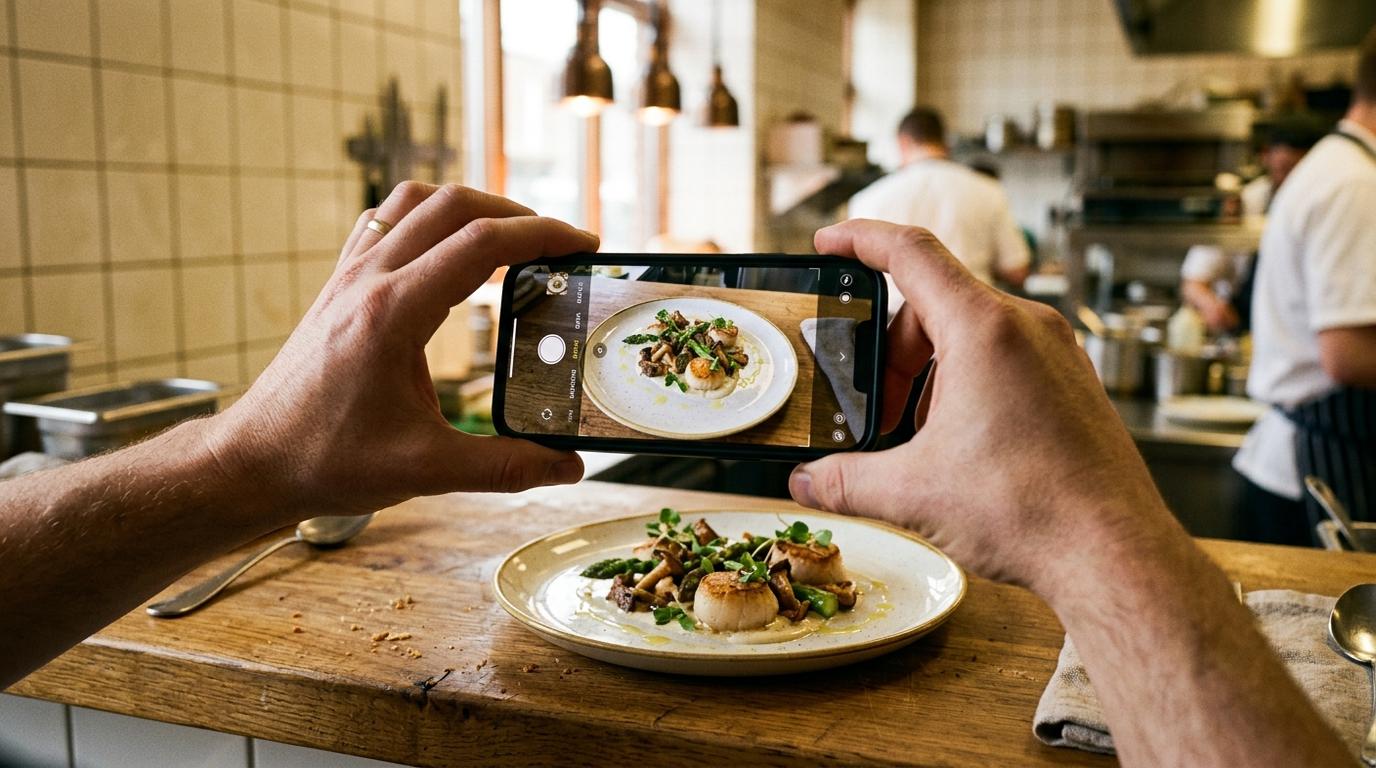
Chat agents now connect with the platforms you already use, directly from the conversation, without configuration panels or integrations to set up in advance.
It works like this: you tell the agent what you want to do, in your own words, and it manages the connection. The first time you use a specific service, the agent opens the official window of that platform and asks you to authorize access with your own account. You authorize, the connection is saved, and you don’t have to do it again until that authorization expires and needs renewing. AI Chef Pro never sees or stores your password.
There is no separate module to contract: it’s included for all AI Chef Pro users, at no extra cost.
These are the 16 available platforms and how someone in the industry uses them:
| Platform | What a hospitality professional uses it for | Example of what you ask the agent |
|---|---|---|
| Gmail | Sending proposals, supplier orders, catering confirmations | “Send this catering quote to the client via Gmail” |
| Outlook | Communications with suppliers or the corporate group | “Send the weekly fish order via Outlook” |
| Google Sheets | Yield analyses, waste control, cost tracking | “Convert this waste table and send it to Google Sheets” |
| Google Docs | Technical sheets, mise en place manuals, team briefings | “Save this dish technical sheet in Google Docs” |
| Google Drive | Archiving menus, allergen documentation, supplier contracts | “Upload this seasonal menu PDF to Google Drive” |
| Google Calendar | Planning special services, pass shifts, catering events | “Add Saturday’s wedding service to Google Calendar” |
| Notion | Restaurant knowledge base, internal recipe books, onboarding | “Add this kitchen opening procedure to Notion” |
| Researching local suppliers, menu trends, market prices | “Search current black truffle prices in Spanish markets” | |
| Canva | Designing menus, daily special posters, event menus | “Create a design in Canva with the tasting menu dishes” |
| WordPress | Publishing the updated menu, blog posts, restaurant news | “Publish the new spring menu on WordPress” |
| Communicating the daily special, promotions, special events | “Send this image of today’s pass to Instagram” | |
| Local promotions, events, communication with regular customers | “Post the special menu for next Friday on Facebook” | |
| Announcing openings, finding front-of-house or kitchen profiles, employer branding | “Share on LinkedIn that we are opening a selection process for a chef de partie” | |
| X (Twitter) | Quick updates, reactions to industry trends | “Post on X that we have wild turbot on the menu today” |
| TikTok | Video cooking content, short-form recipes, behind the scenes | “Prepare the text and hashtags for this pass video for TikTok” |
| Participating in chef communities, solving technical questions, international visibility | “Write a response for a Reddit thread about kitchen fermentations” |
Your credentials are yours: what happens with security
AI Chef Pro does not store or have access to your passwords. Management of connections with external platforms is done through Composio, the authorization layer that acts as a technical intermediary: when you authorize a platform, that authorization is stored securely and AI Chef Pro only receives a limited access token, not your credentials. Each platform manages its own authentication through its official window. If at any point you want to revoke access, you do it directly from that platform’s security settings, just as you would with any other connected application.
Try it right now
Open any AI Chef Pro agent, generate something you have pending to send or archive, and tell it directly where you want to send it. No further steps. If it’s the first time you use that platform, the agent guides you through authorization in less than a minute. From there, you never have to copy and paste anything again.
You will find all 16 connections, with examples and FAQs, on the integrations page.
Frequently asked questions
Do I need to do anything to activate the new features?
No. Advanced reasoning and artifacts are already active in all agents: you'll notice them in the next conversation without touching any settings. Connections with external platforms are not configured in advance either: they activate on their own the first time you ask the agent to send something.
Does this make my plan more expensive or is it charged separately?
No. The three improvements are included for all AI Chef Pro users, with no added cost or additional module. You still spend credits as always for the agent's work.
Why aren't recipes and cost breakdowns artifacts?
Because they have their own actions, and they are better for that. A recipe or a cost breakdown in AI Chef Pro is not a loose document: it is saved with its structure, its weights, and its costs so it can be recalculated and reused. Turning them into generic artifacts would be a step backward.
Which agents can connect to my accounts?
All chat-type agents. When you ask them to send, publish, or save something on an external platform, they establish the connection themselves within the conversation.
And if I want to stop giving access to an account?
You can revoke the permission whenever you want from the settings of your own Google, Meta, Notion, or whichever platform account. As soon as you revoke it, the agent no longer has access. You don't need to go through AI Chef Pro to do it.
Do I need to create an account on Composio?
No. Composio is the layer that manages connections underneath: you don't register on it or see it. You authorize directly in the official window of Gmail, Notion, or whichever platform, with the account you already have.